Add challenge levels
Simplify UI for closing trivia challenge panel`
Add voice chat
Organizing attendee icons by who has accepted
Allow users to opt out of additional content
Update text hierarchy for trivia challenges
Add onboarding carousel
A new way to enjoy old favorites
Max Game Night: Interactive Watch Party
Responsibilities:
Competitive analysis, Users research, Wireframes, UI Design, Prototyping, User testing
Tools used:
Adobe Illustrator, Adobe Photoshop, Figma, FigJam
Duration:
65 hours
In the evolving landscape of digital entertainment, engaging and interactive experiences have become paramount. Viewers increasingly seek features that enhance their involvement, such as live chats and other interactive elements. Additionally, many users prefer watching content with friends, highlighting the demand for social viewing features.
The goal of this project was to create a unique viewing experience for users on Max across multiple devices, including desktop and connected TVs. An in-platform invite system would allow friends to easily schedule watch parties, while interactive features would improve engagement for users enjoying content on the Max streaming platform. Increased engagement and retention are critical as they can lead to longer viewing sessions and higher user satisfaction. On the business side, Max would also benefit from this feature by using it to bring awareness of new related projects and IP related to the film being watched.
✅ The Goal
❌ The Problem
Currently, organizing a watch party involves cumbersome coordination outside the platform, relying heavily on texting and emailing. Additionally, maintaining viewer engagement during the event often falls short. .
✋ Target Audience
This watch party feature targets viewers looking for an easy way to view and engage with content they love with other users from different locations.
I conducted interviews with 6 users in the target audience
This would help understand the pain points of organizing watch parties and their desires and expectations for more interactive viewing experiences. A competitive analysis was also performed to evaluate existing solutions on other platforms.
AUDIENCE INSIGHTS
Research finding #1
Complex Invitation Processes:
The lack of an integrated invitation system makes organizing watch parties clunky, forcing users to text or email invites. This informal approach reduces commitment because external invites are easier to overlook or forget, leading to more no-shows and an overly complicated process for all users.
How might we make inviting friends to movie group watches easy to manage and make the invite feel both personal and enticing for the people the user sends them to?
Design insight #1
Research finding #2
Engagement Through Interactivity:
Features such as quizzes, trivia, and polls are highly valued for their role in enhancing engagement, especially during less dynamic viewing moments, providing a competitive and fun element to the shared viewing experience.
How might we incorporate interactive games and shared activities related to the movie in group watches to enable users to more deeply engage with the content and each other while watching movies together?
Design insight #2
Research finding #3
Desire for Customization:
Users have shown a strong preference for customizable viewing experiences, including control over chat visibility, subtitle options, and playback settings, to tailor their experience to their personal preferences.
How might we allow users to customize their viewing experience independent of the other users while allowing the group to enjoy game nights together.
Design insight #3
OUR MAIN CHARACTER

User Needs + Goals
Enjoys watching content with friends remotely
Seeks an organized way to invite friends to group watch
Desires unique ways to interact during movies
Wants the ability to customize the viewing experience
Jesse loves to enjoy movies with friends. He sees group watch experiences are an quick way to gather friends to enjoy content together. He is always interested in having watch parties, but finds it hard to organized them and excite his friends to attend.
To illustrate the typical user and their needs, I created a persona based on my research. This guides the design of the Max Watch Party feature.
Meet Jesse, the
digital movie buff
Next, I conducted a competitive analysis to identify gaps and opportunities for enhancing the Max Watch Party feature by comparing it with similar offerings from Disney+ and Hulu, as well as adjacent competitors like Twitch and TikTok. This analysis provided valuable insights into key features that drive user engagement and revealed areas where Max can innovate to differentiate itself in the market.
COMPETITIVE ANALYSIS
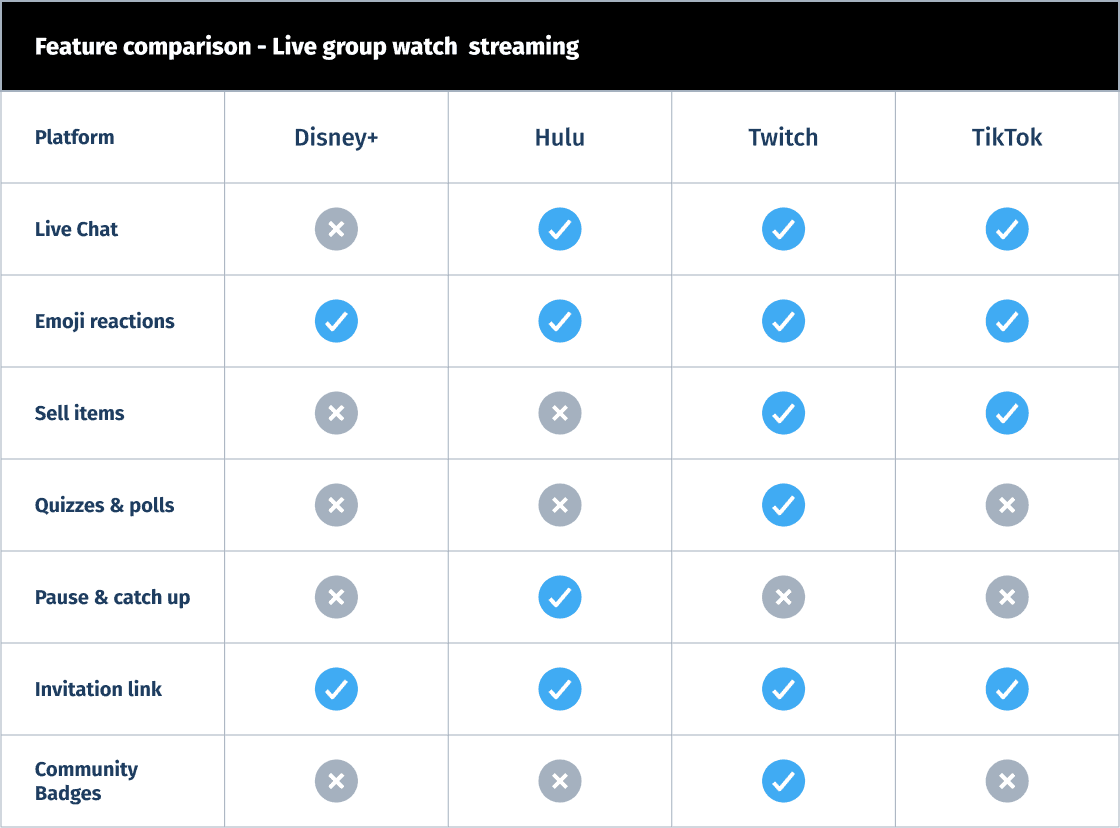
KEY OPPORTUNITIES FOR MAX GROUP WATCH
Live Chat: Add real-time chat to increase engagement.
Emoji Reactions: Implement emoji reactions for quick, fun interactions.
Quizzes: Introduce quizzes and interactive games for enhanced interactivity.
In-App Invitations: Innovate with in-app invitations to differentiate Max.
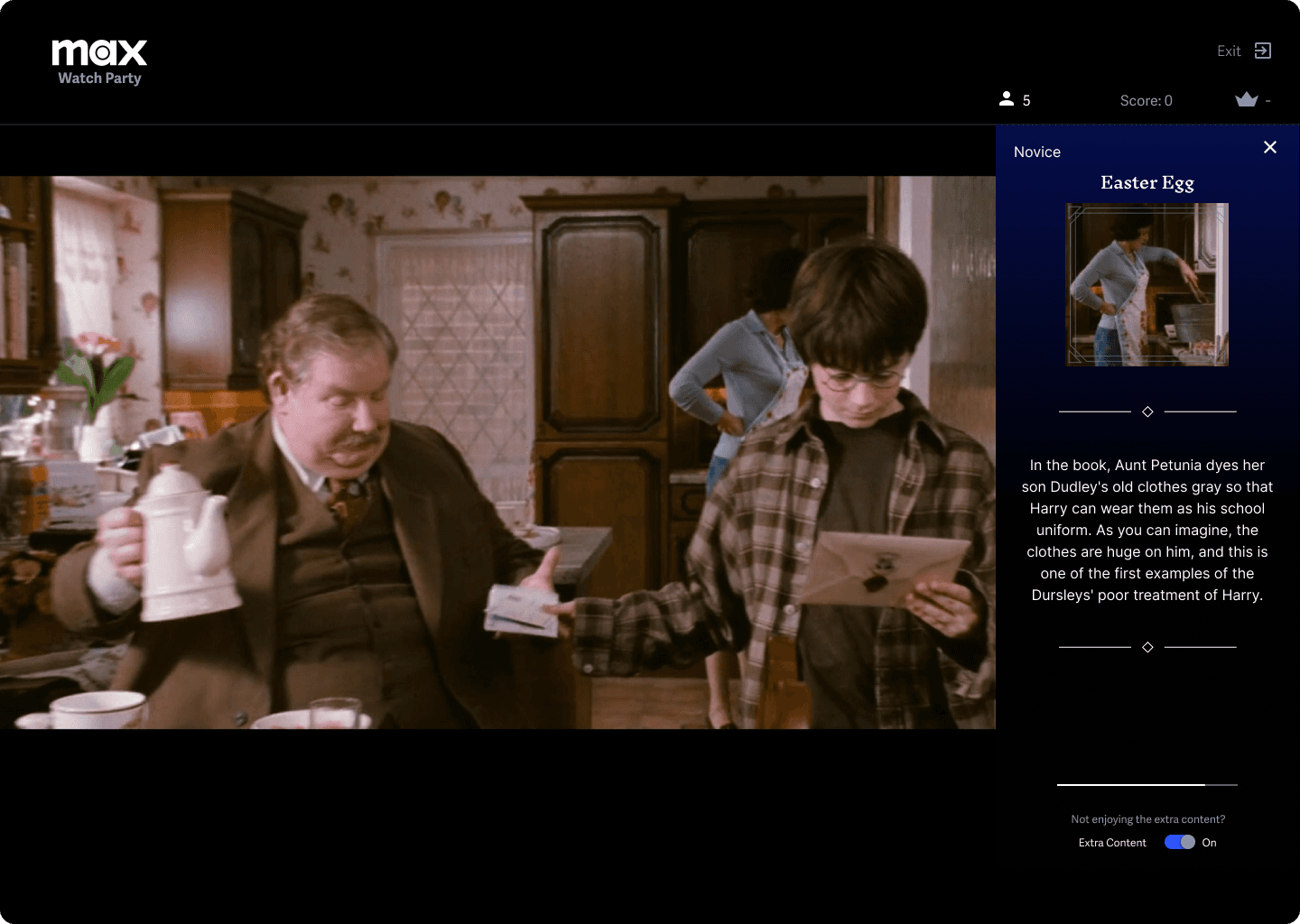
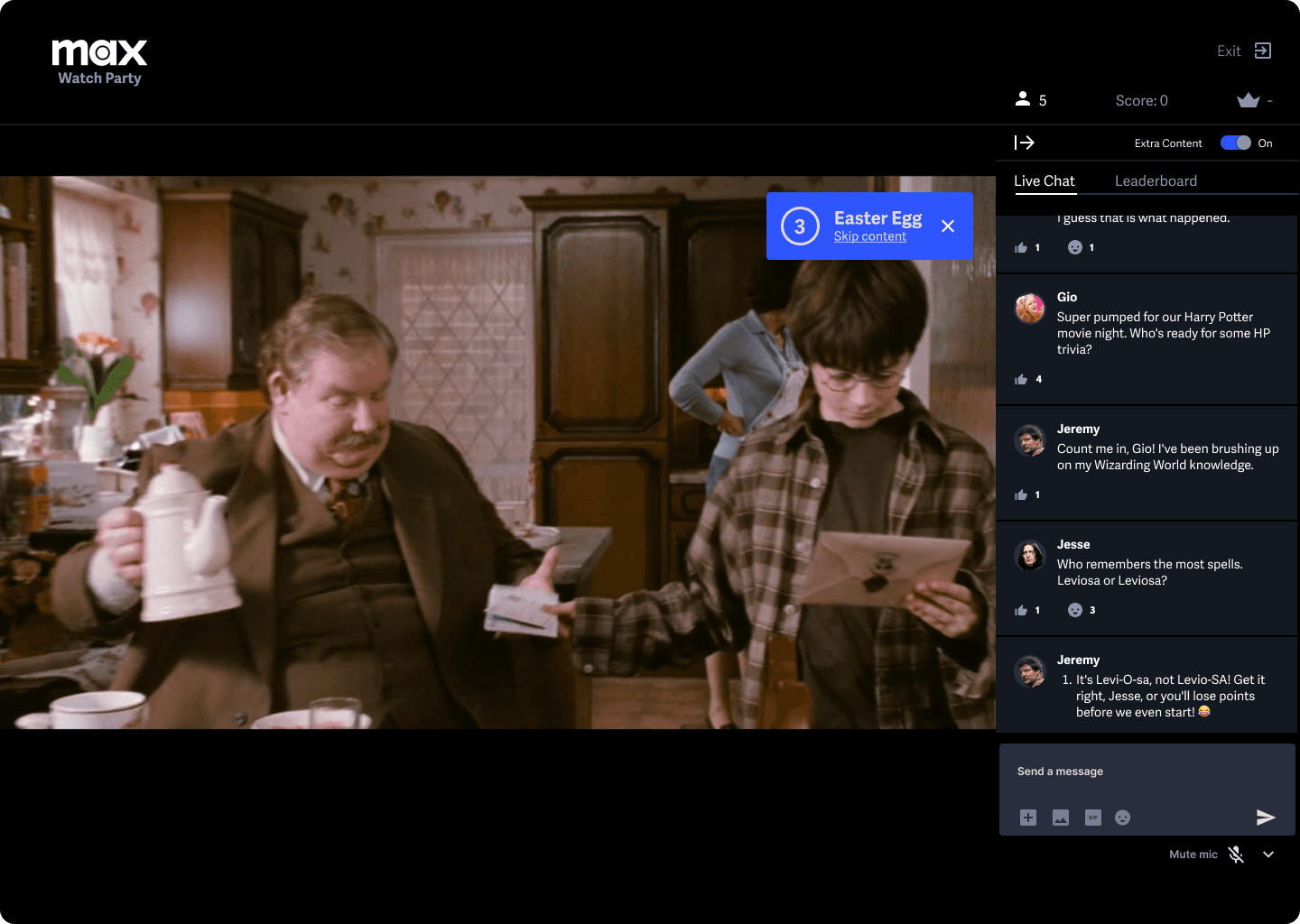
Additional Content: Provide users with extra content like Easter eggs, insider information, and movie facts to enhance the viewing experience.
MUST HAVE
Interactive trivia
“Did you know” additional content
Leaderboard for trivia
Invitation system
NICe TO HAVE
Easter Eggs additional content
Sync status bar and troubleshooting helper
SUPRISING & DELIGHTFUL
Chat with Themed Stickers
House Sorting
Features Roadmap
User research
Secondary research
Supported by
My primary and secondary research found that viewers have higher engagement levels when provided with interactive elements such as quizzes, polls, and learning interesting facts about the content they are watching. These features not only make the viewing experience more enjoyable but also create opportunities for a deeper connection with the content.
TASK FLOWS
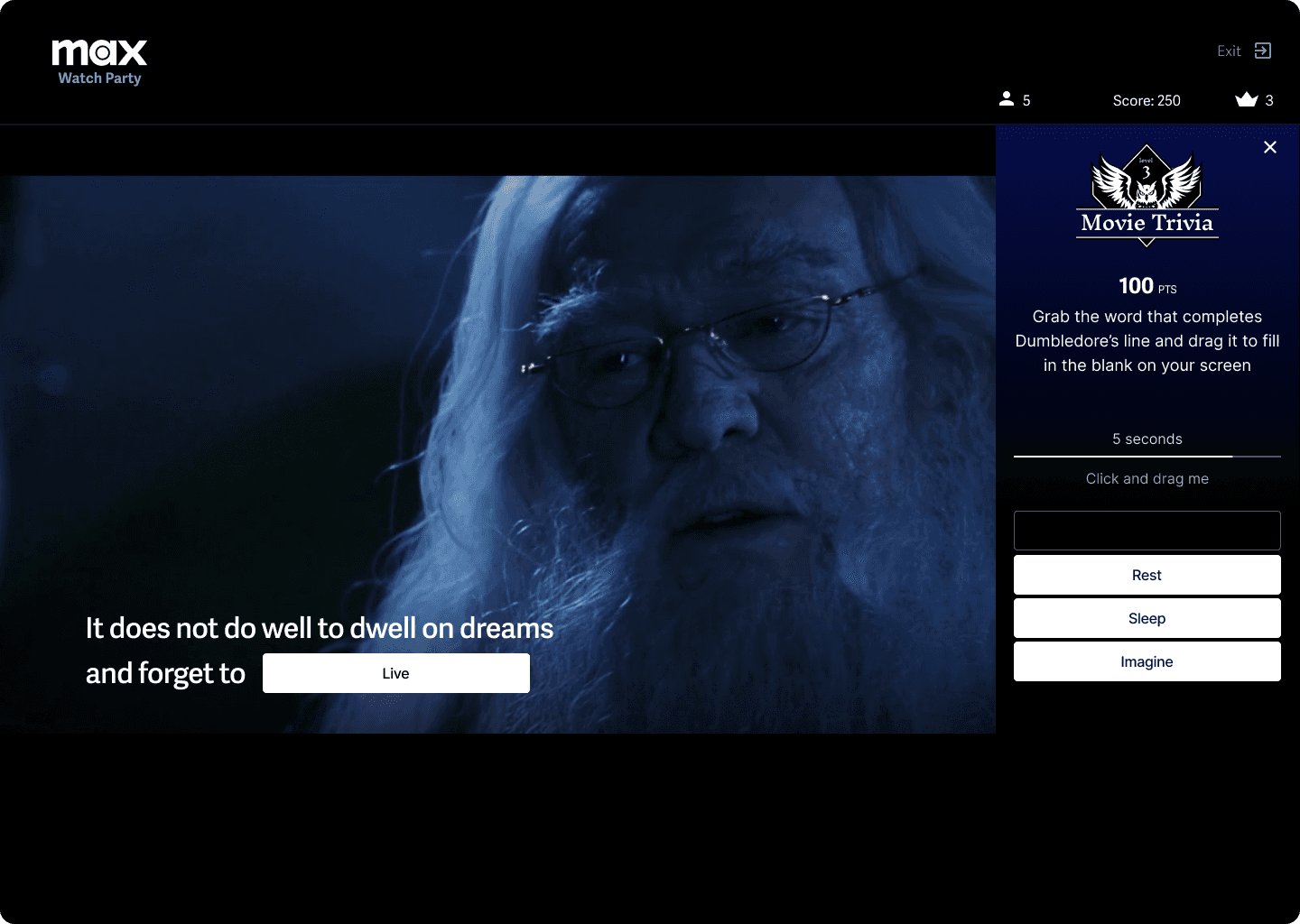
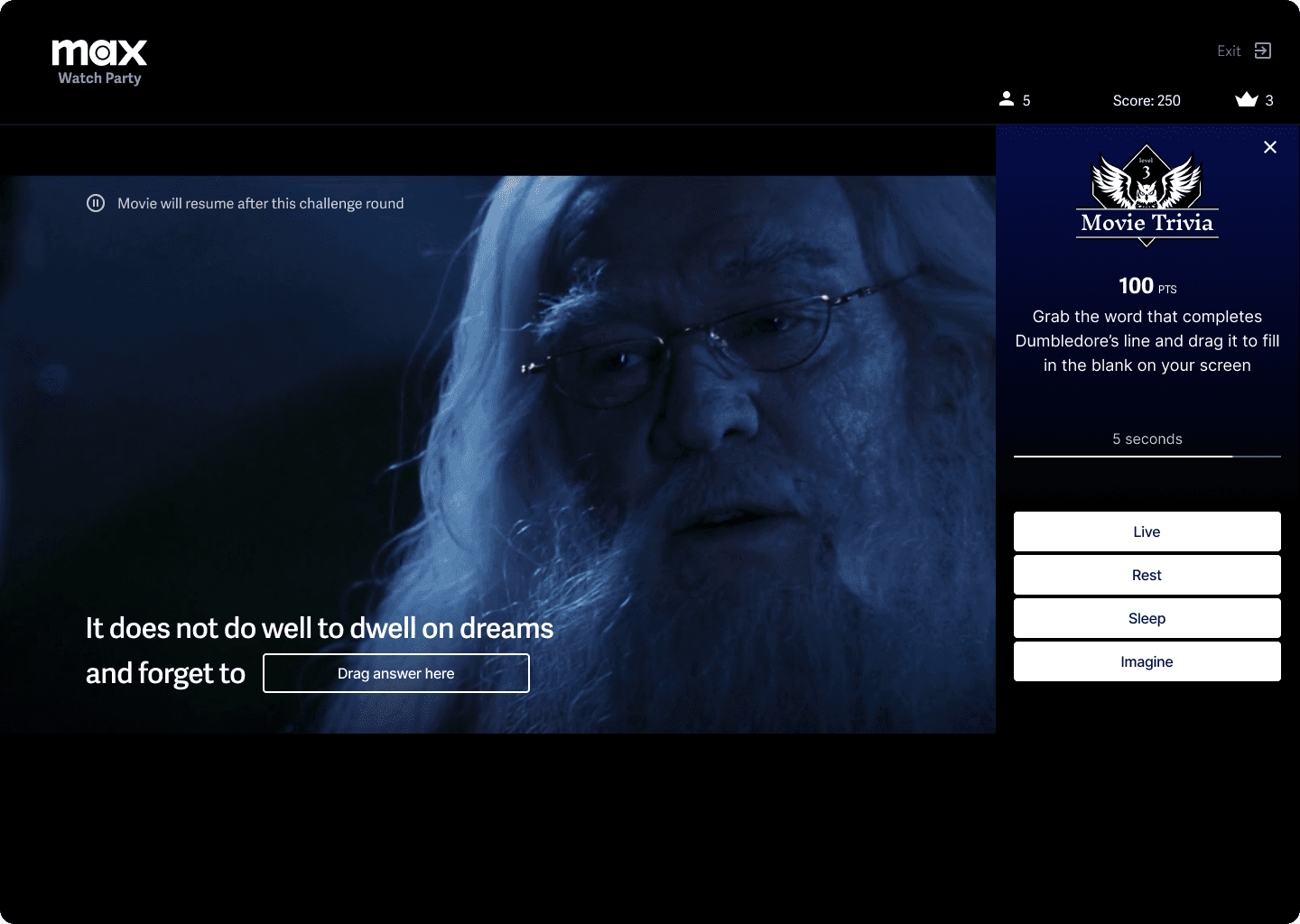
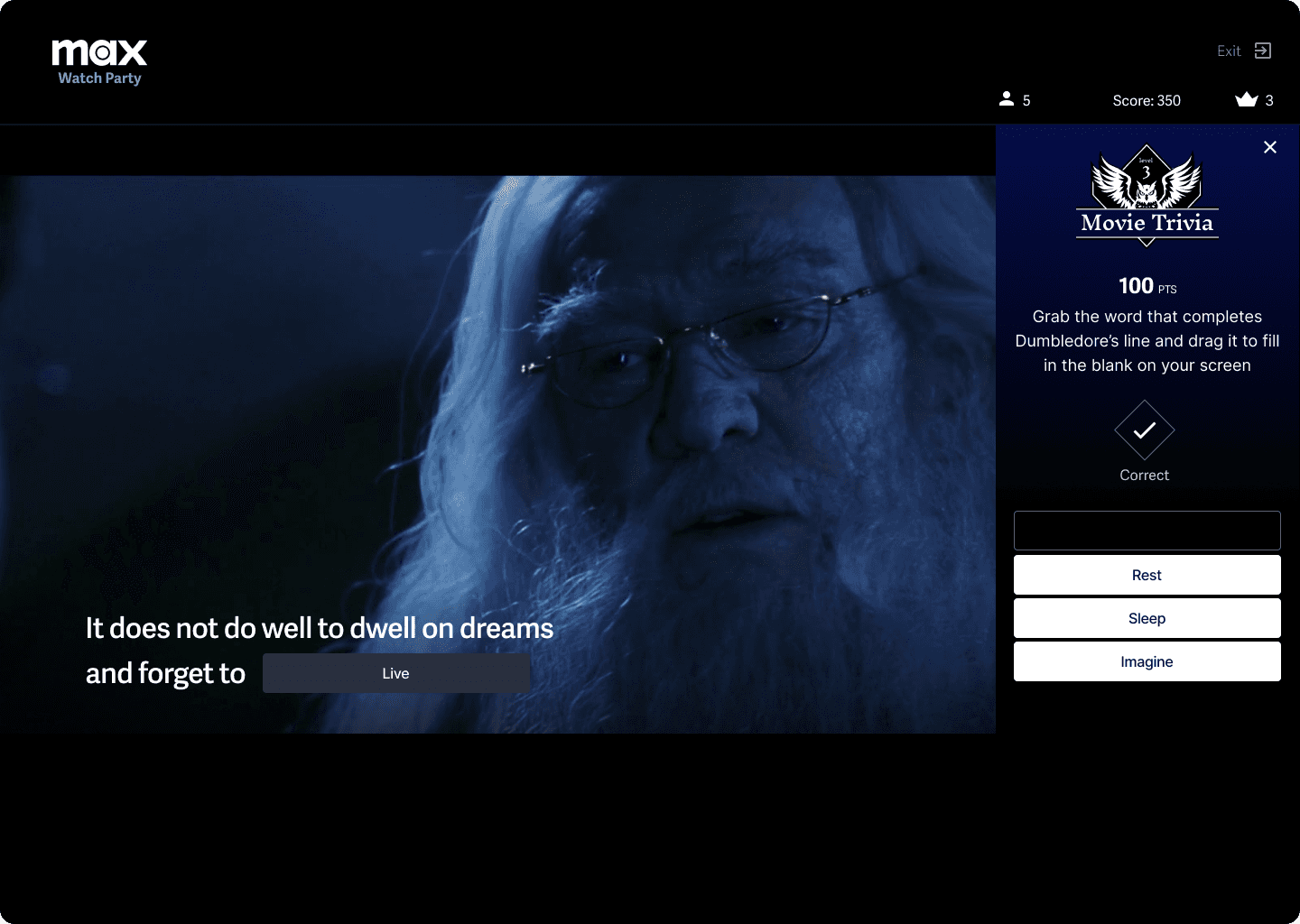
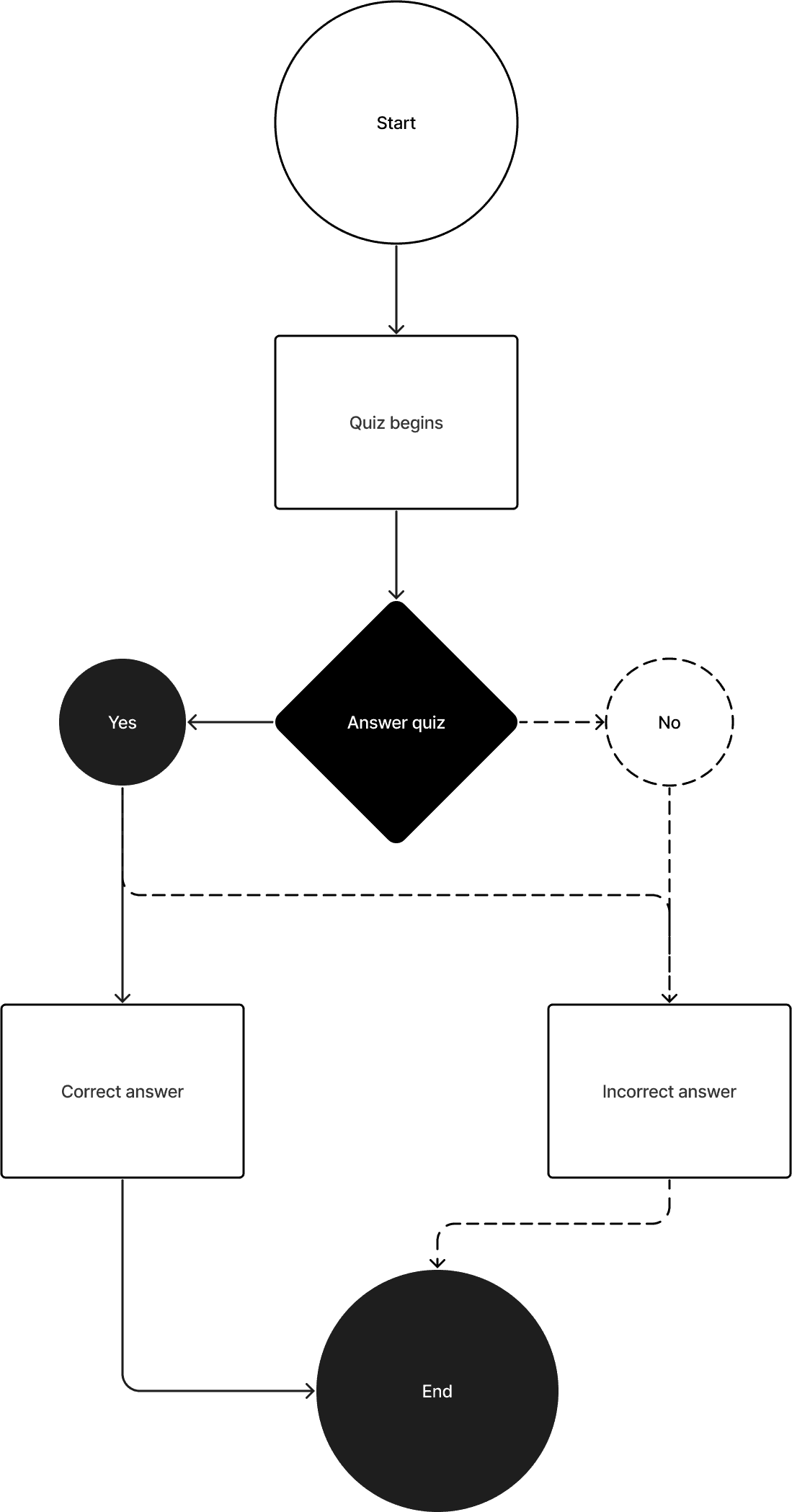
Movie trivia
Task Flow
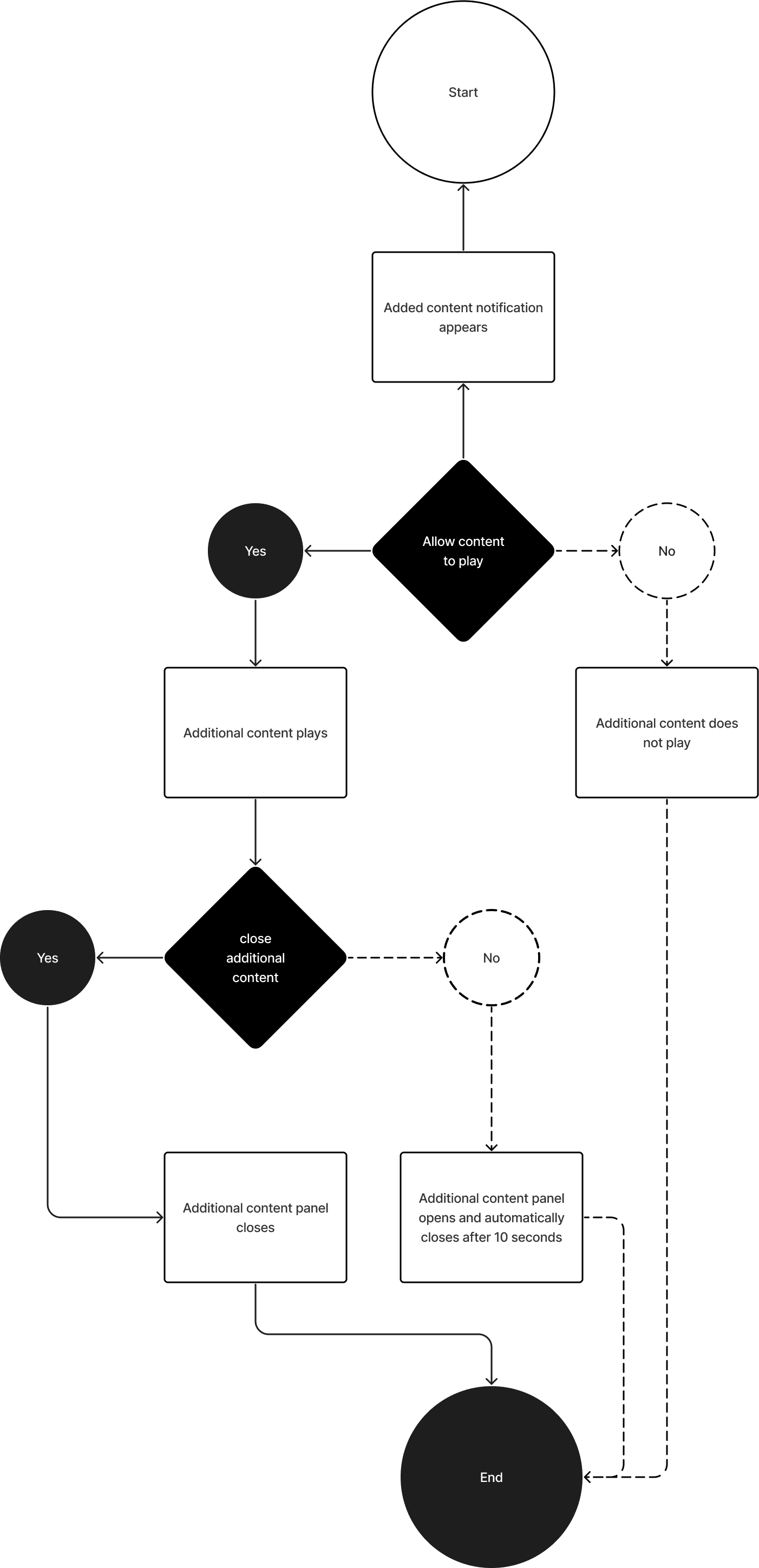
Extra Content
Task Flow
DESIGN PROCESS
Low Fidelity Wireframes
I created low-fidelity wireframes to quickly create iterations and visualize a couple of the user task and features.
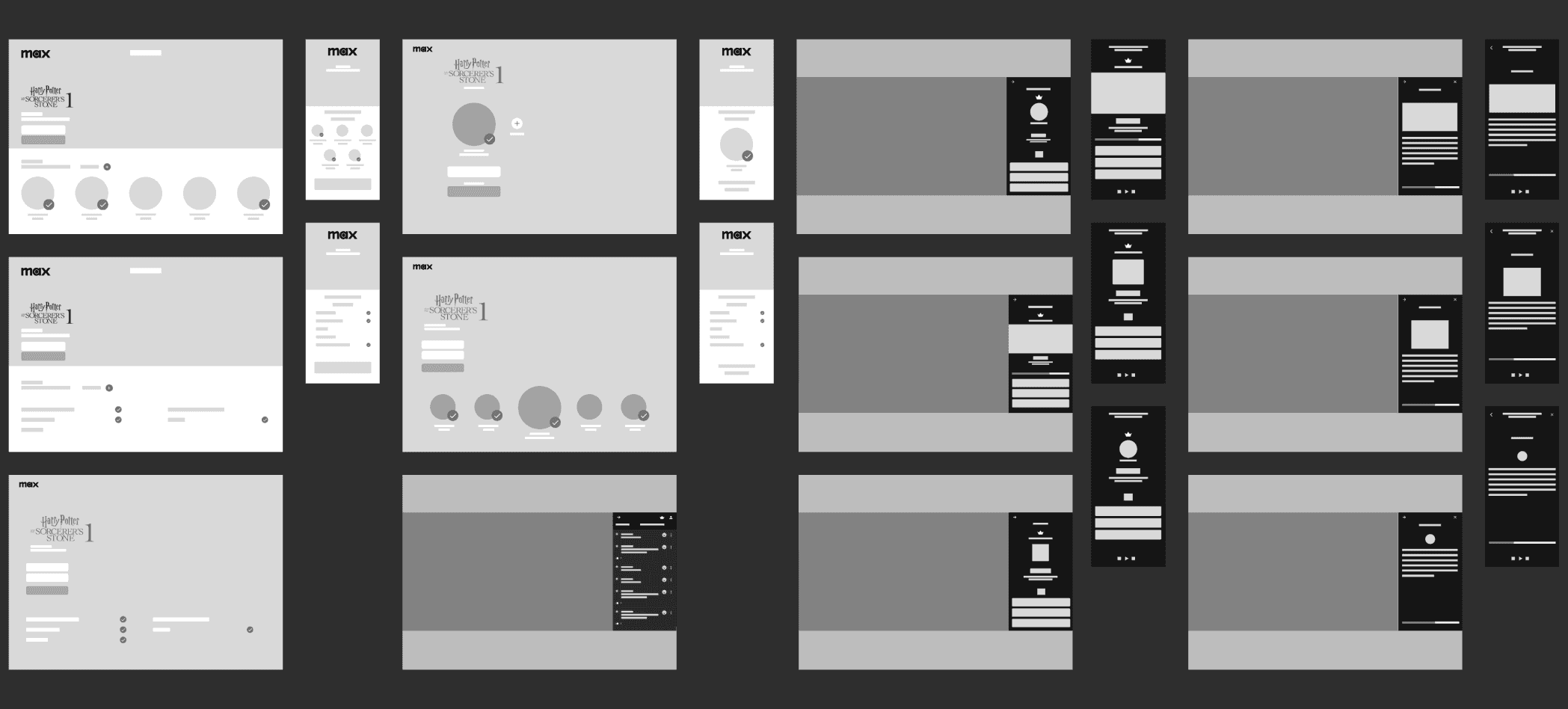
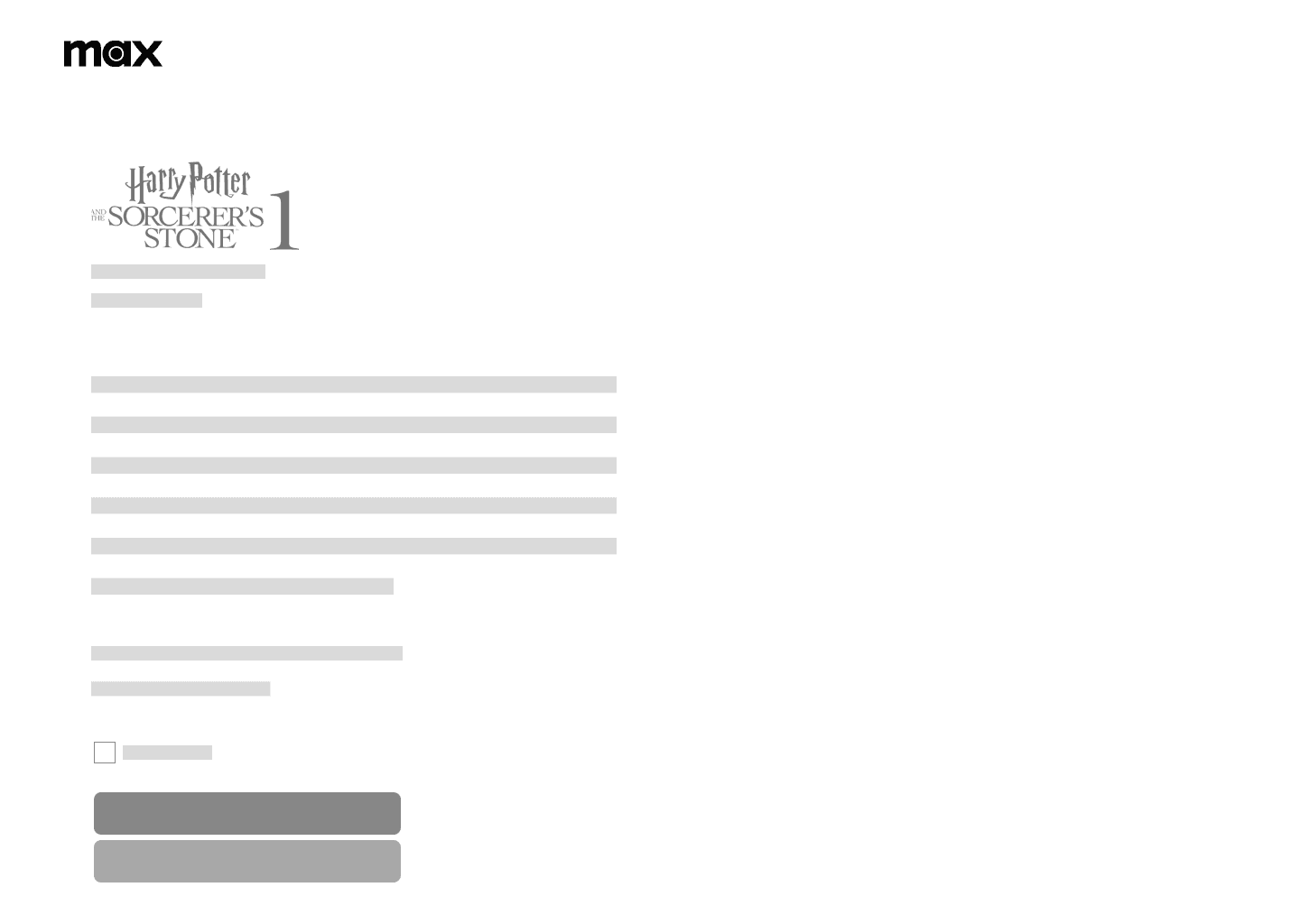
Party invitation
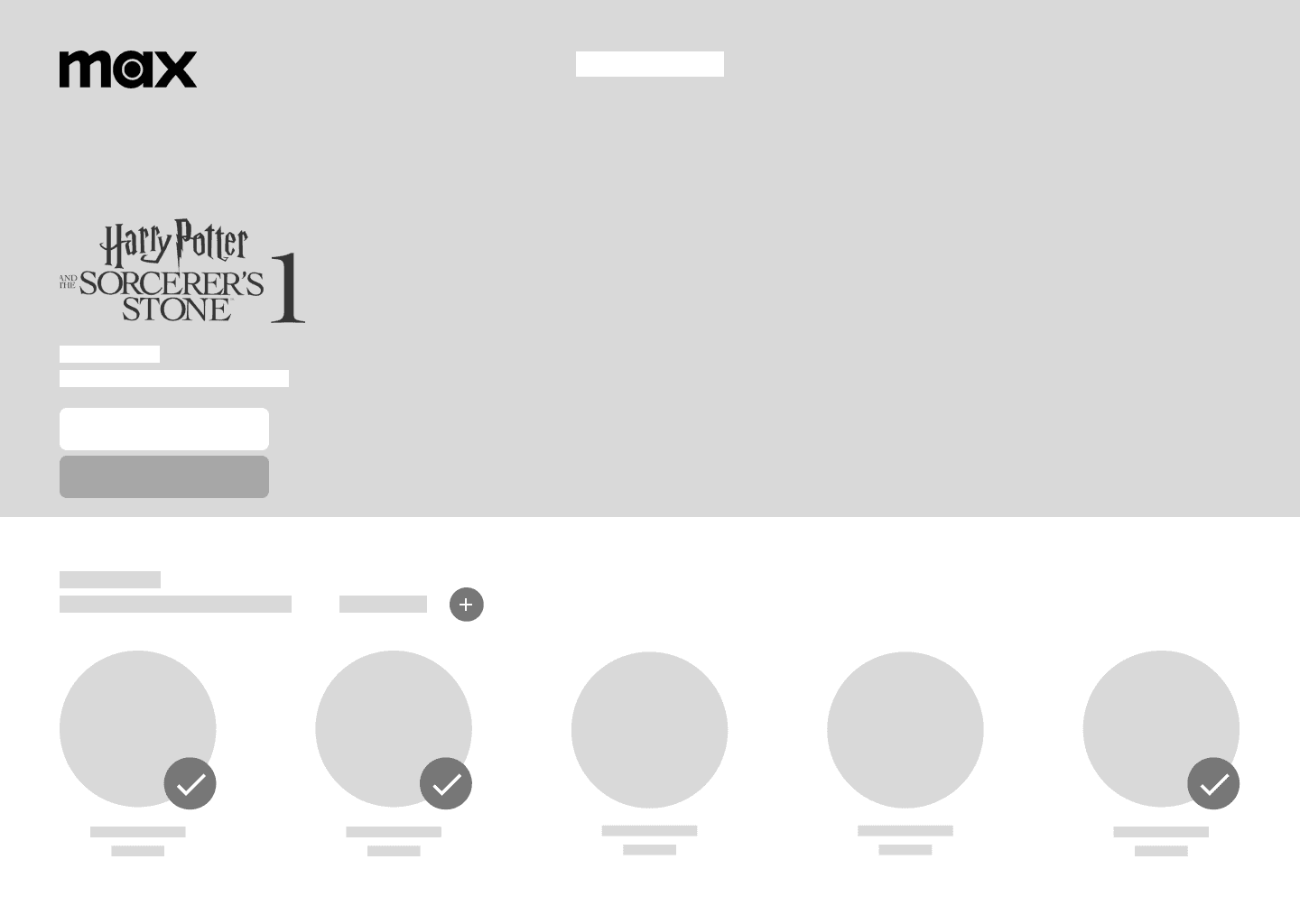
Event details
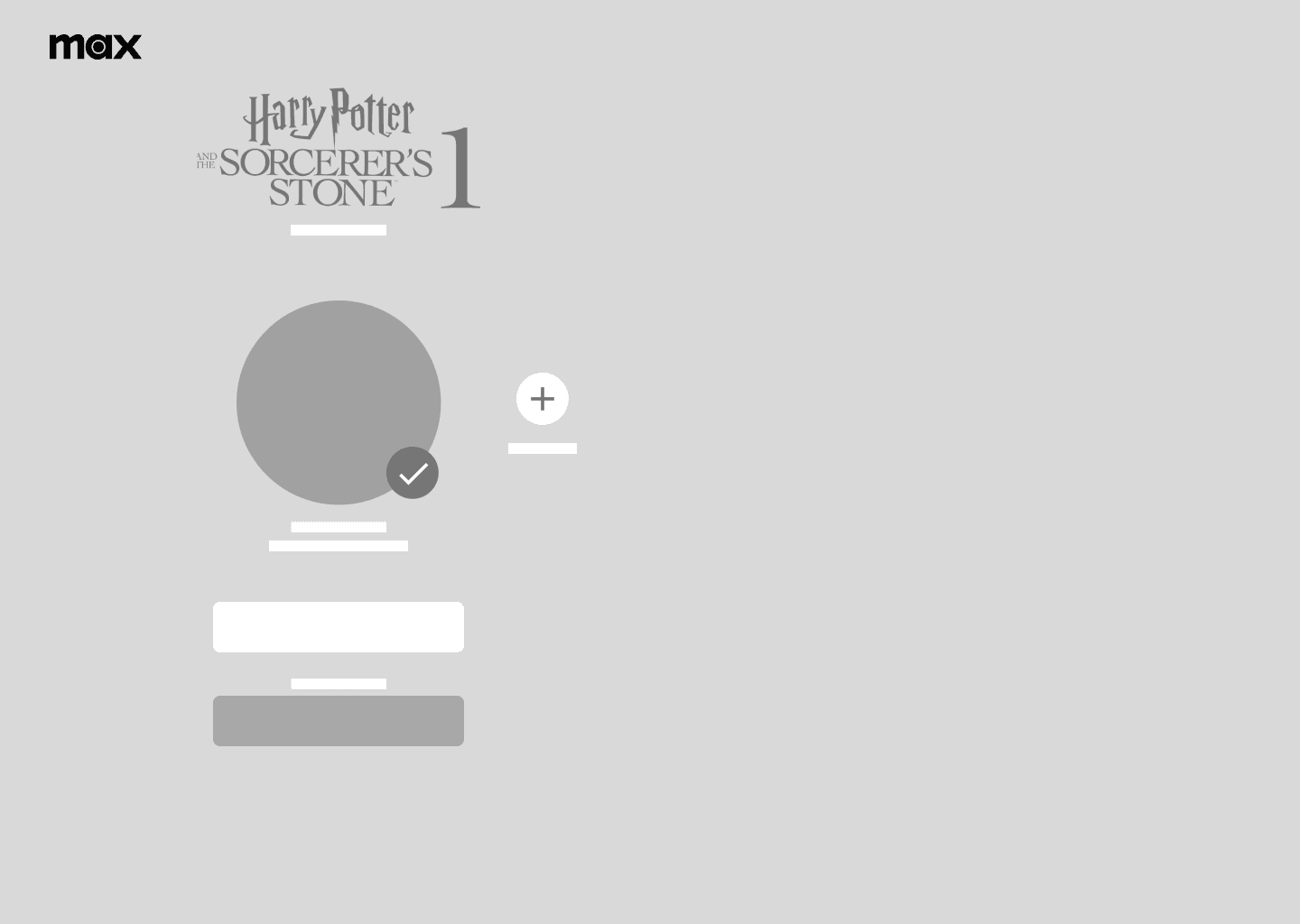
Join party
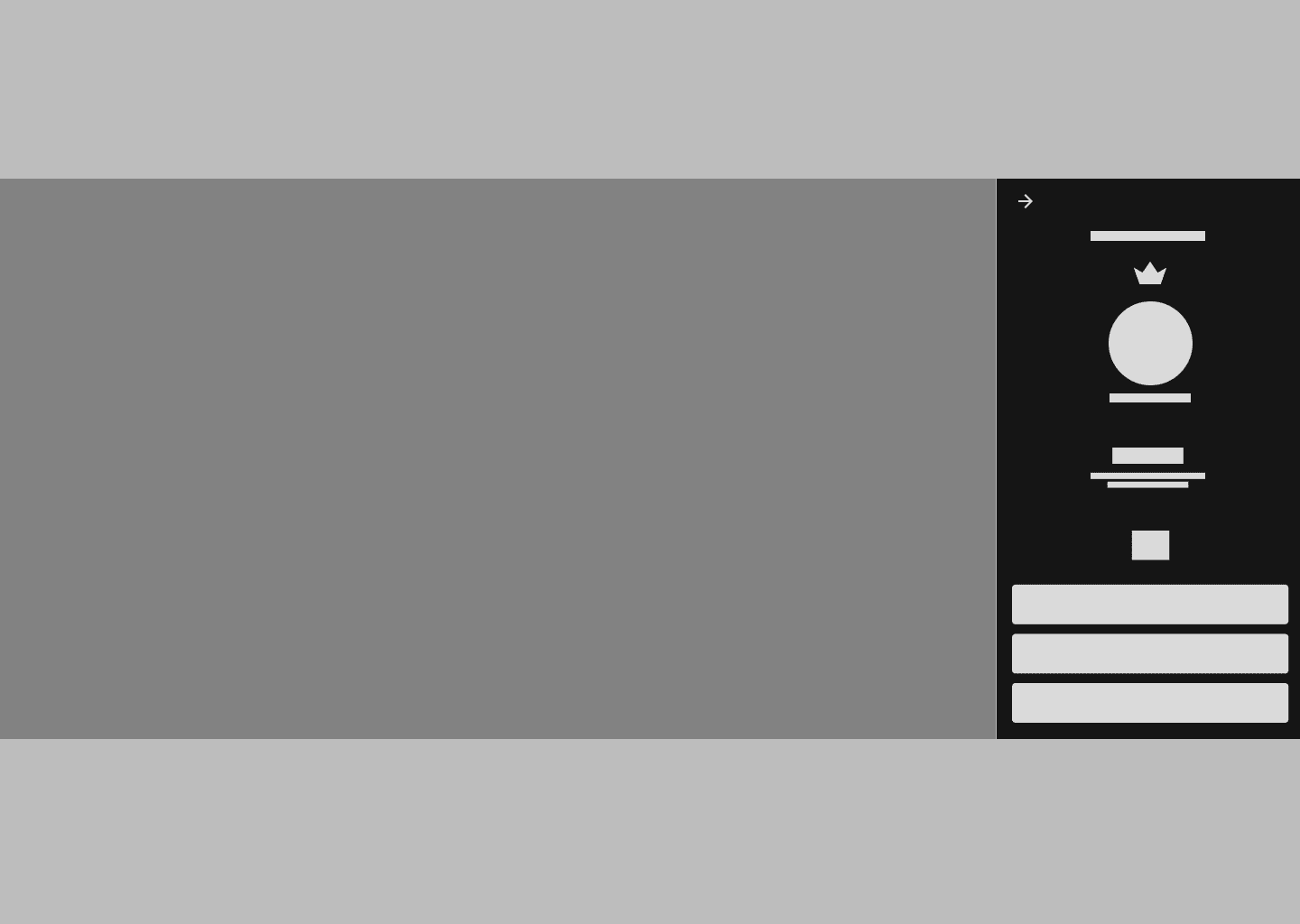
Trivia challenge
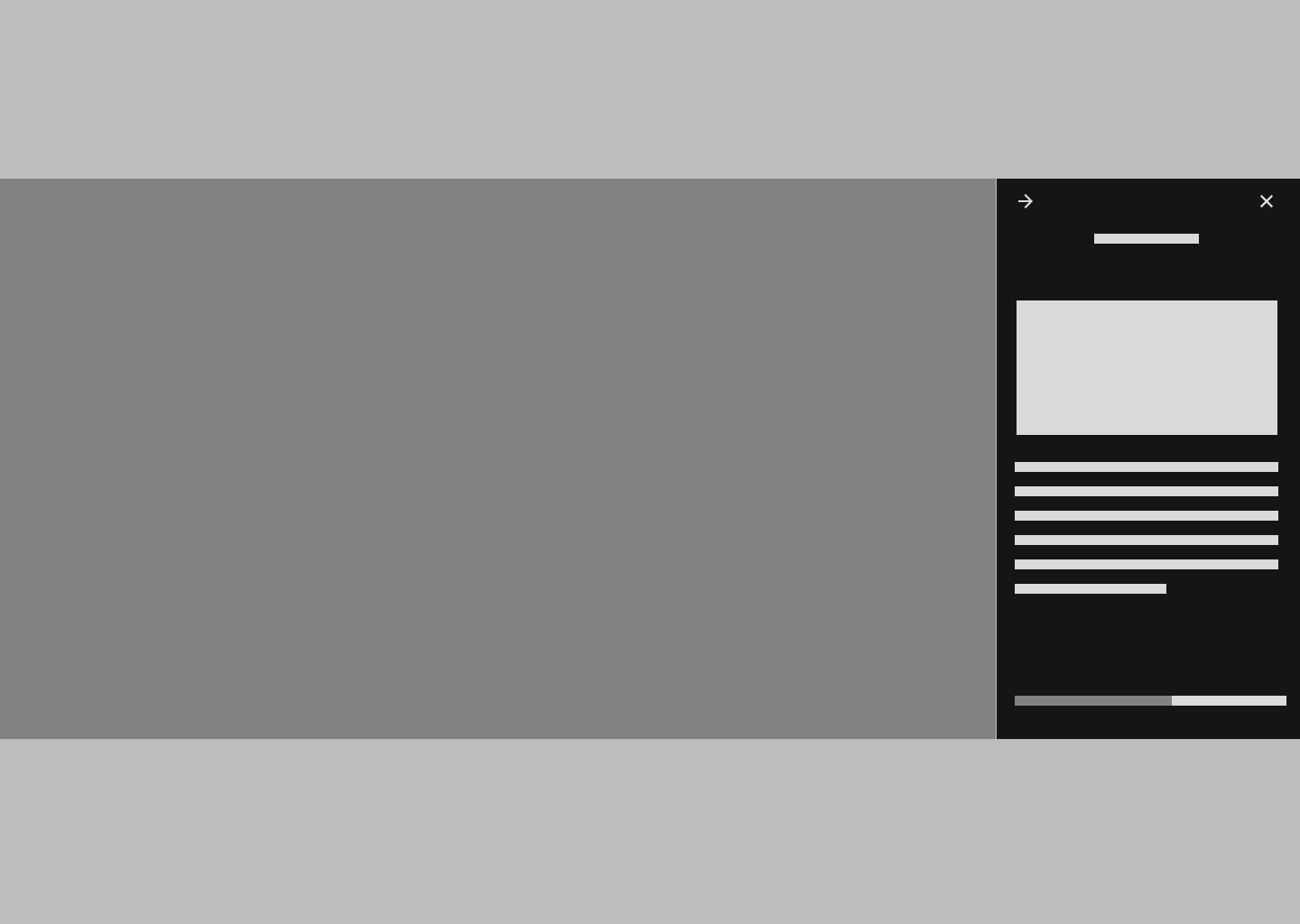
Additional content
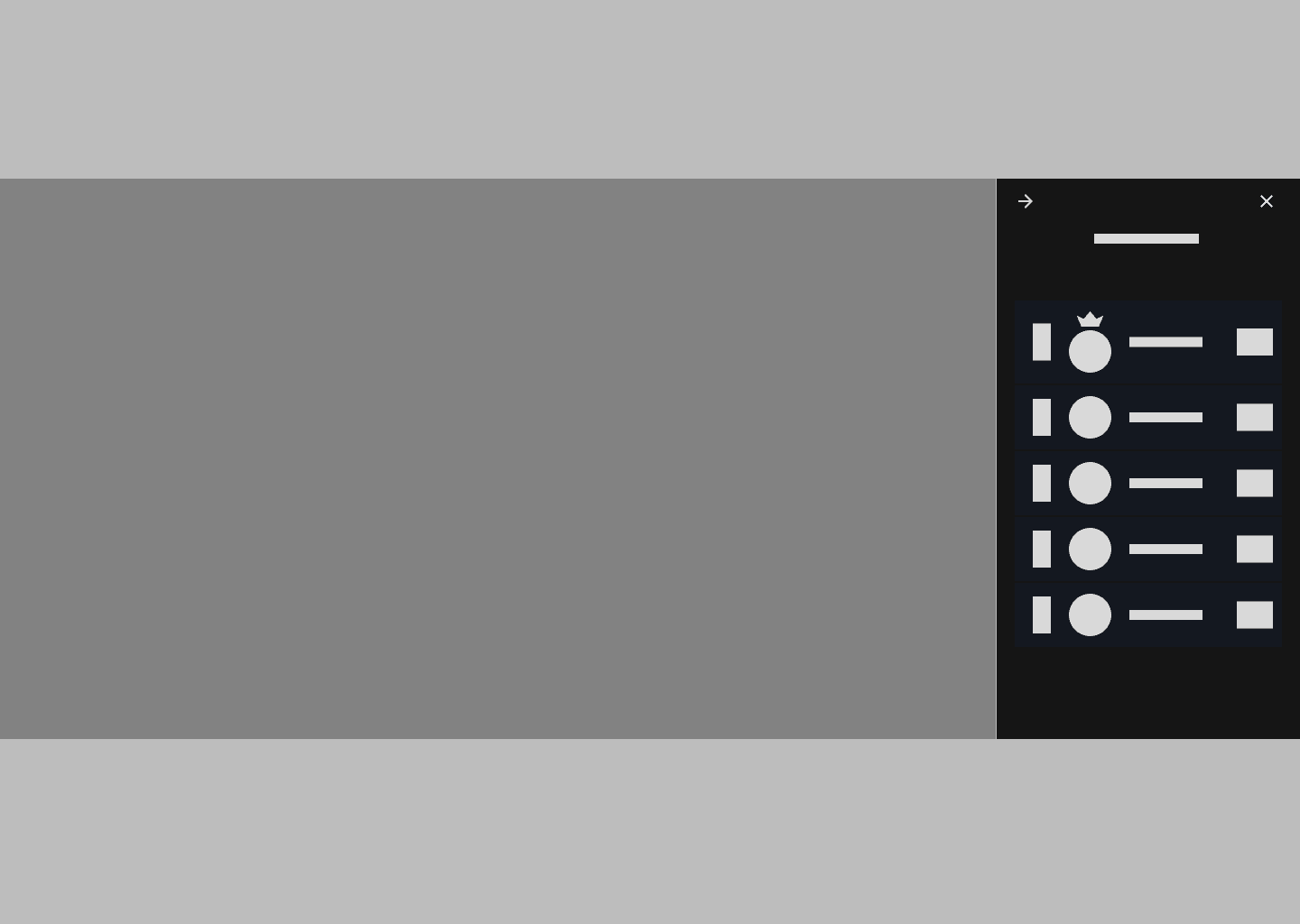
Leaderboard
DESKTOP
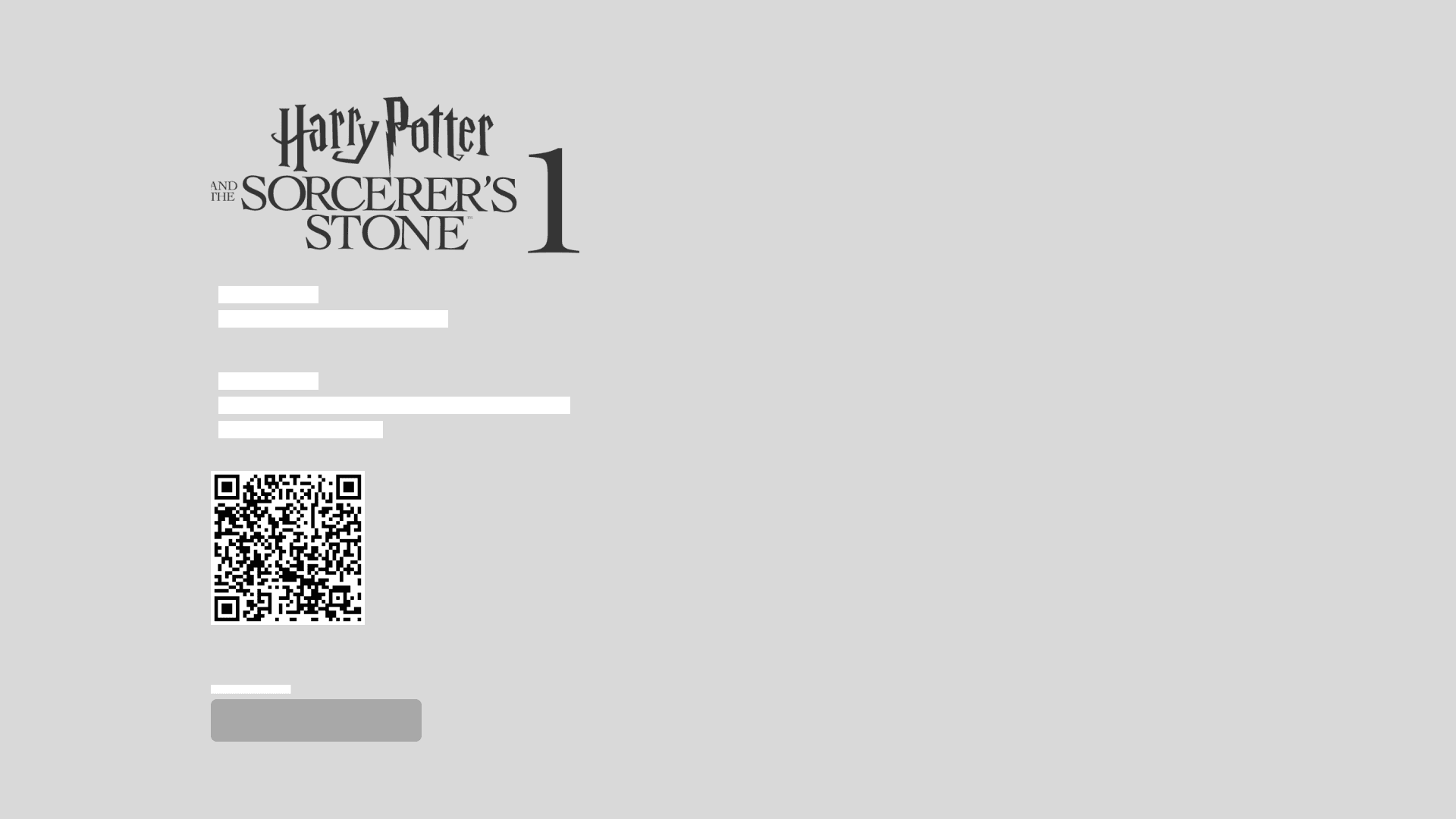
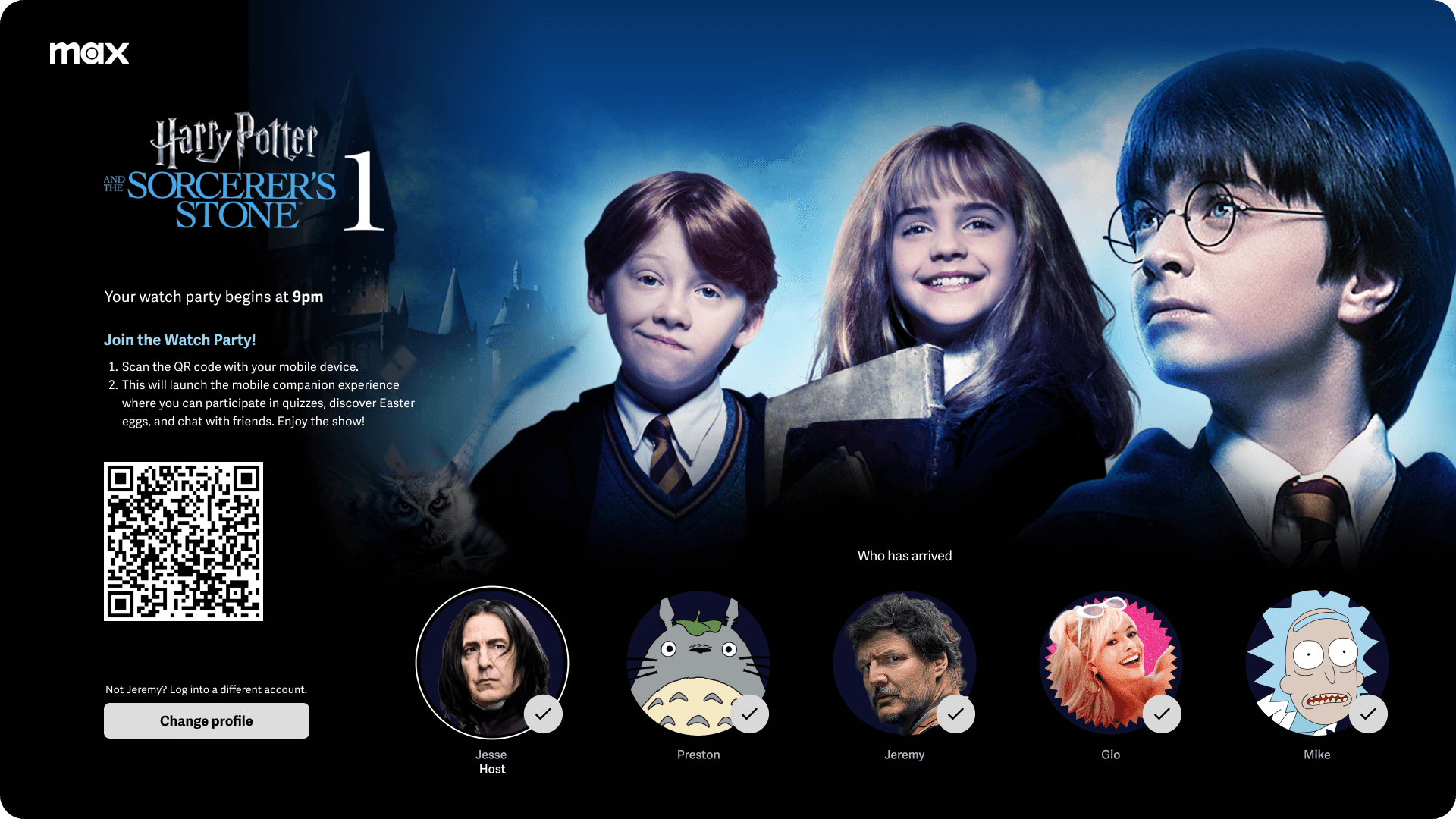
Launching the mobile experience for smart TVs
When using a smart TV users would be prompted to use a QR code to launch a mobile companion experience. This would allow them to enjoy the interactive content while viewing the movie on a larger screen.
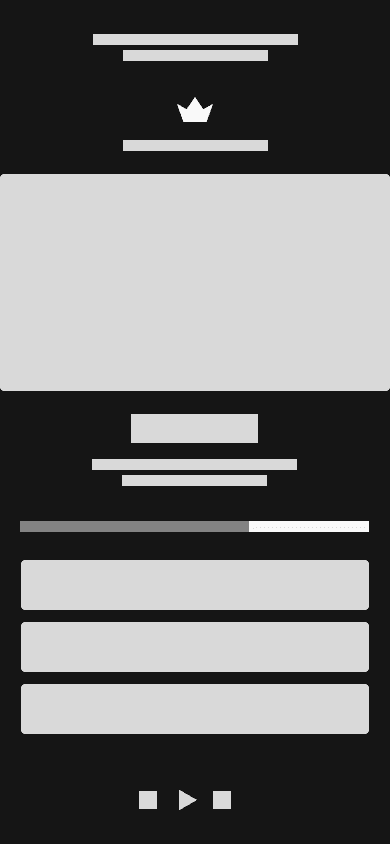
Trivia challenge
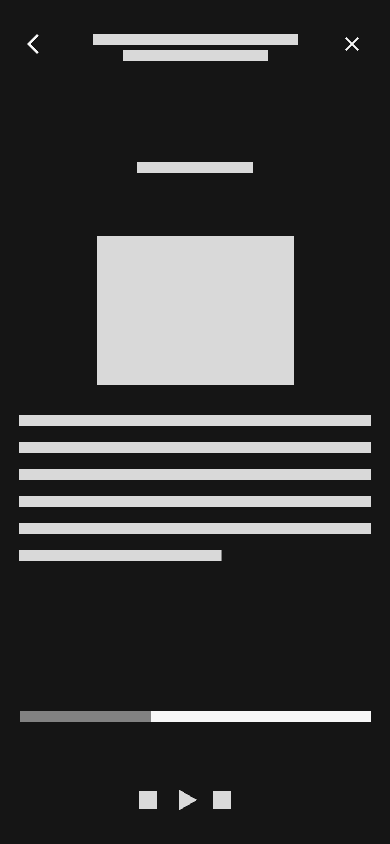
Additional content
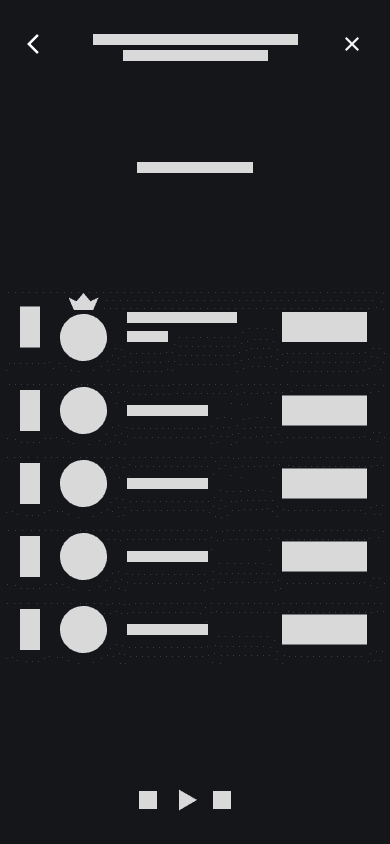
Leaderboard
SMART TV + MOBILE
DESIGN PROCESS
Medium Fidelity Designs
& Wireframes
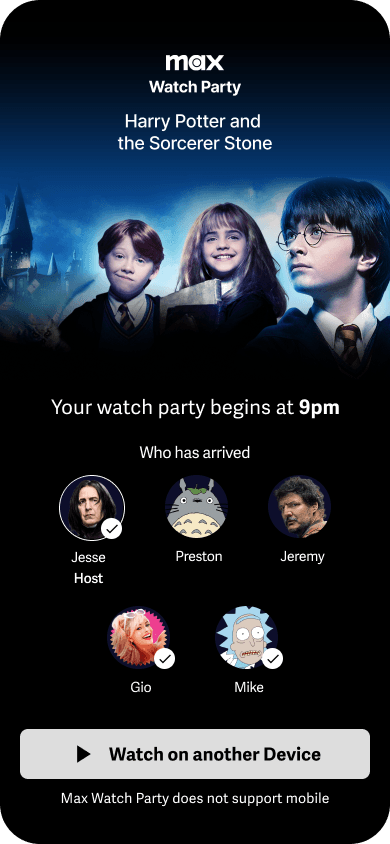
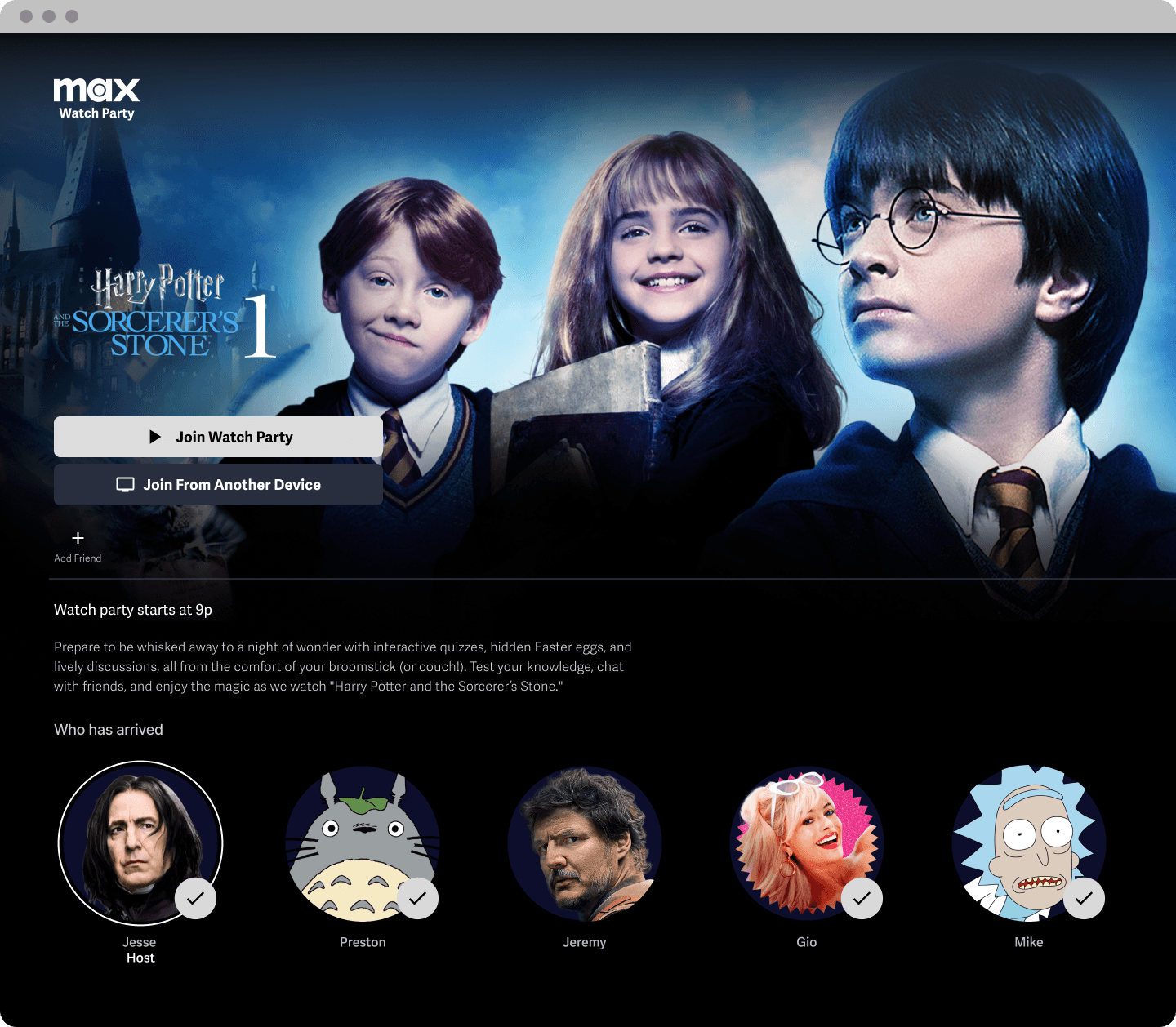
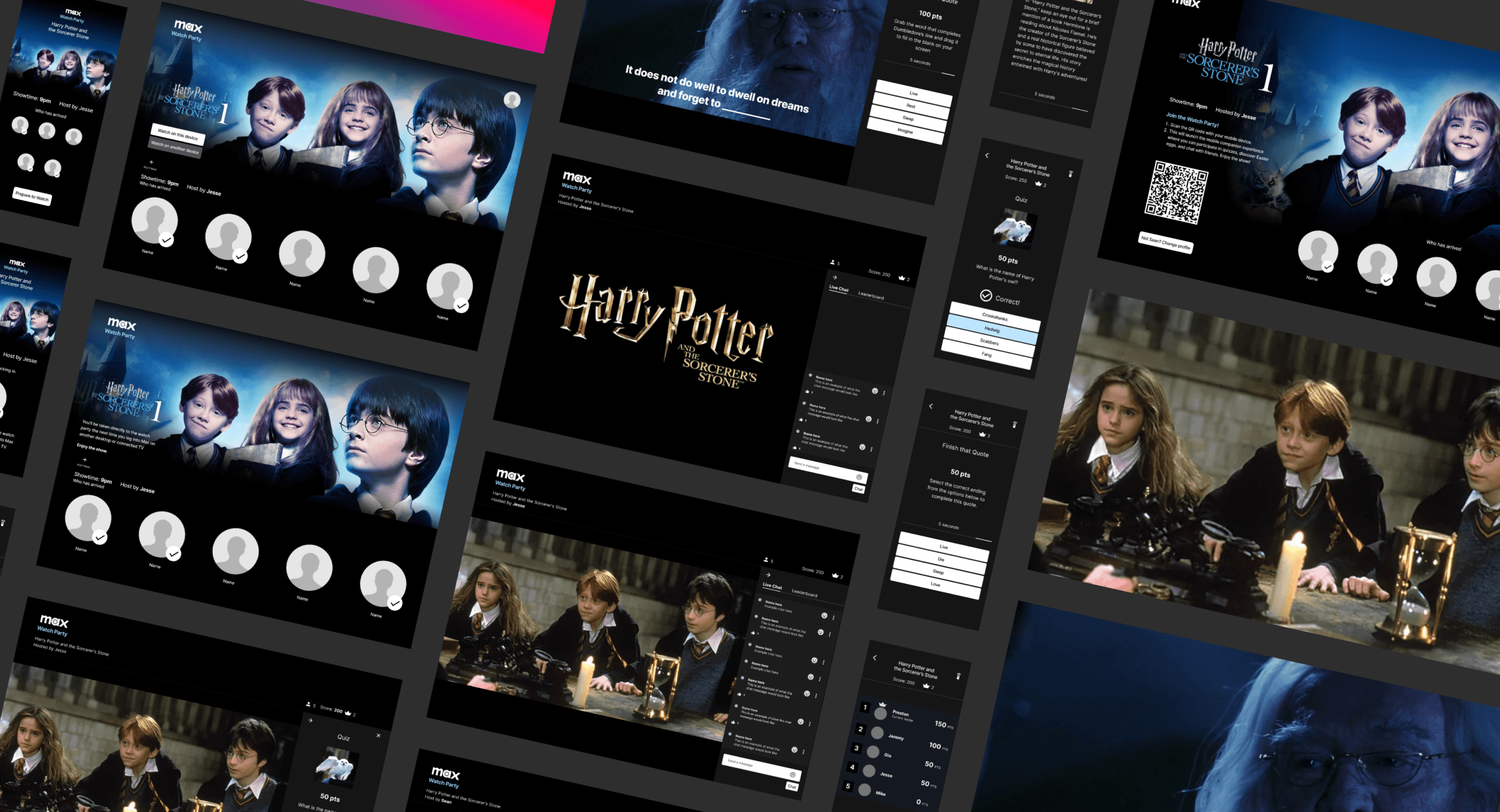
After creating initial sketches and low-fidelity wireframes, I developed mid-fidelity wireframes to outline interactions and user flows for testing. The following images showcase screens for both the desktop version and the mobile companion for smart TVs.
Usability testing, findings & iterations
After creating the mid-fidelity wireframes I conducted a usability test with 5 individuals. My goal was to to test clarity, completion and comprehension of the different features created. I also met with Ellen a product designer at Wizarding World to get additional feedback on the quizzes and additional content added to the MVP.
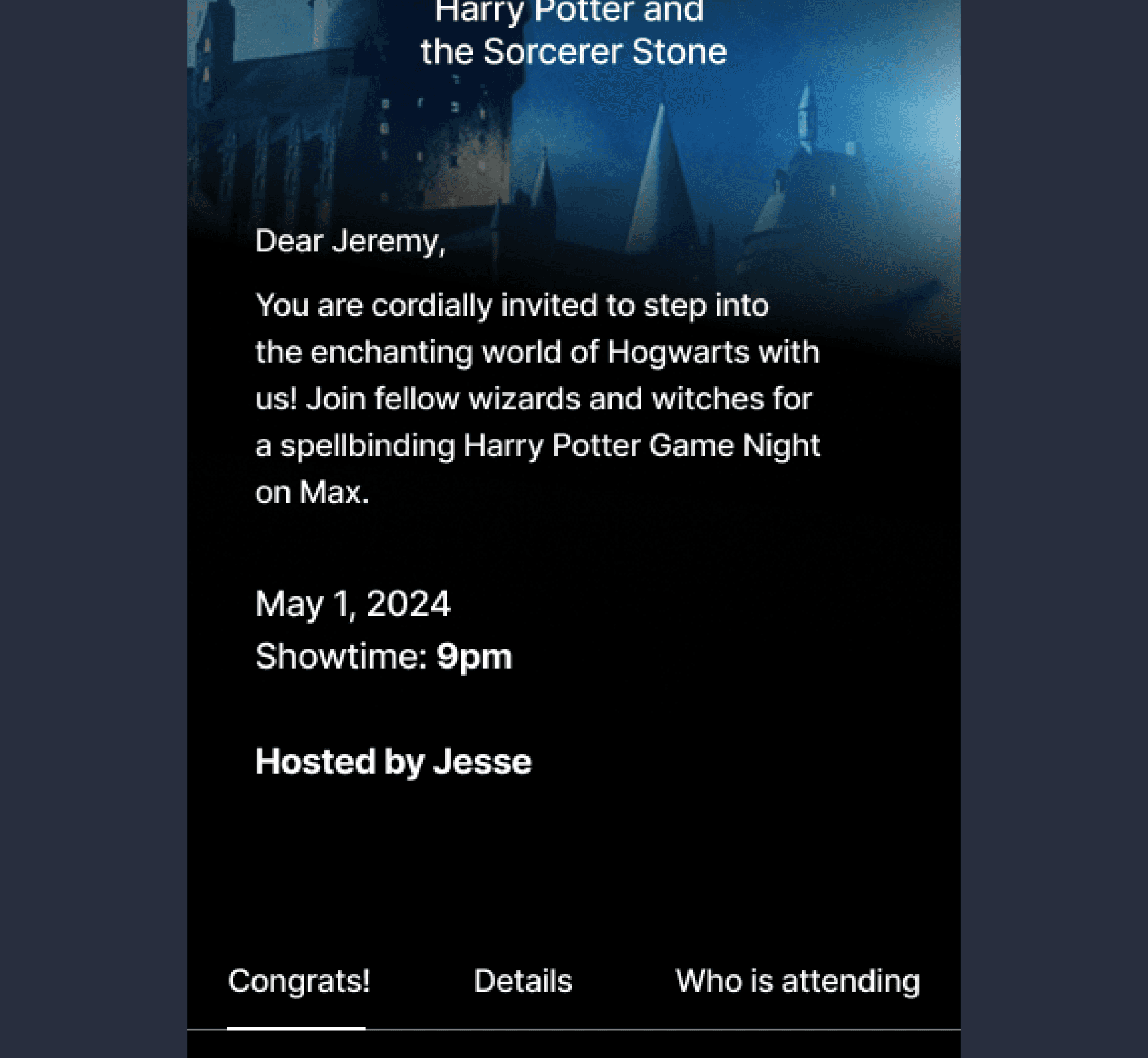
Mid-fidelity Wireframe Mobile
The mid-fidelity wireframe design leaned heavily upon the minimal style of the Max design system.
Early testing for these screens went well. 5/5 users navigated through through the task of accepting an invite with no issues.
Ellen had a great recommendation to increase the size of the name to make the invite feel more personal.
Before
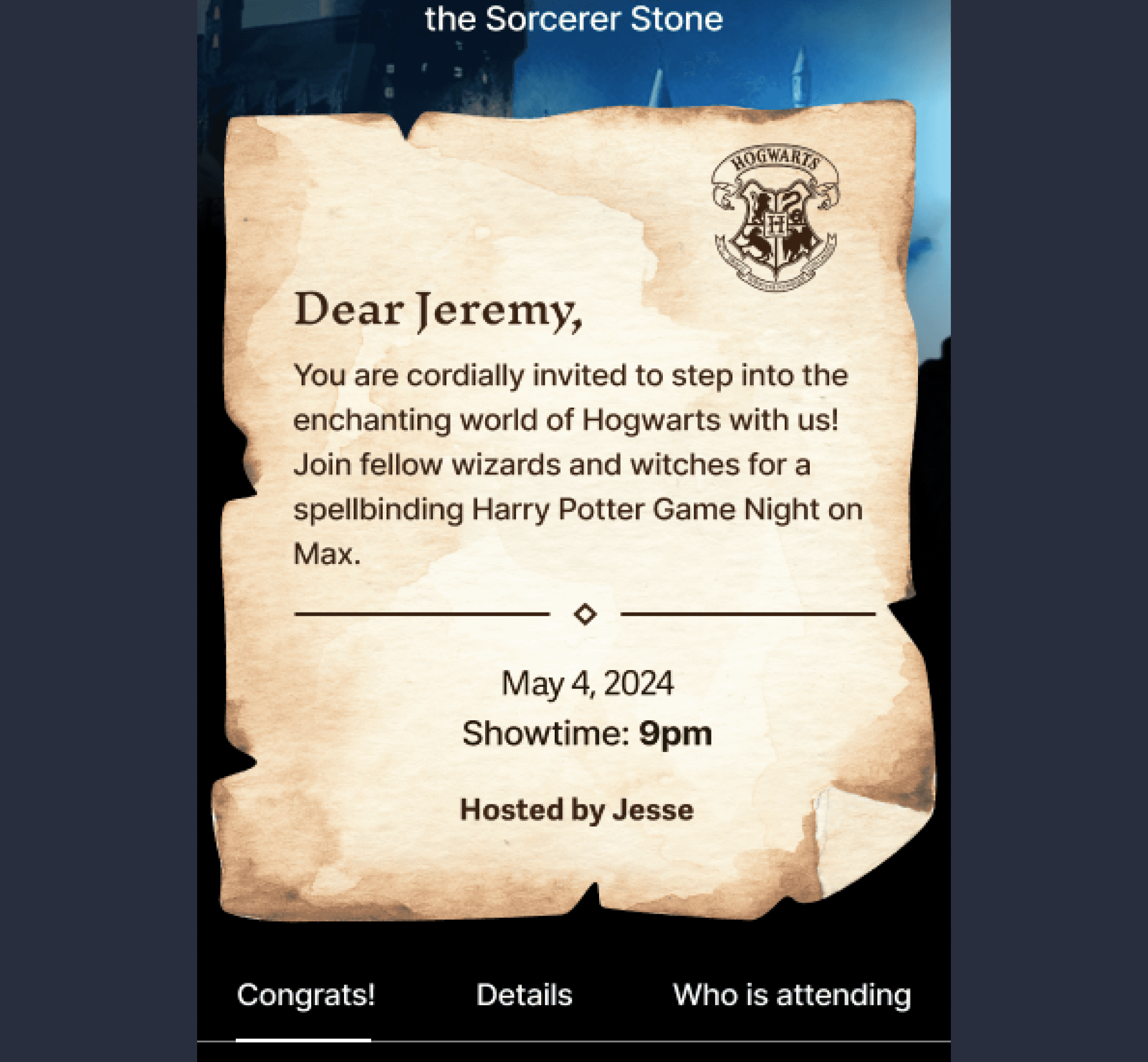
High-fidelity Wireframe Mobile
After
I incorporated the feedback and aimed to address Jesse's frustration with inviting friends to group watches. Users wanted an easy way to invite friends and make the event more enticing. By allowing each Game Night group watch invite to be tailored to the content style, the invitations became more engaging and personalized, enhancing the overall user experience and delighting participants.
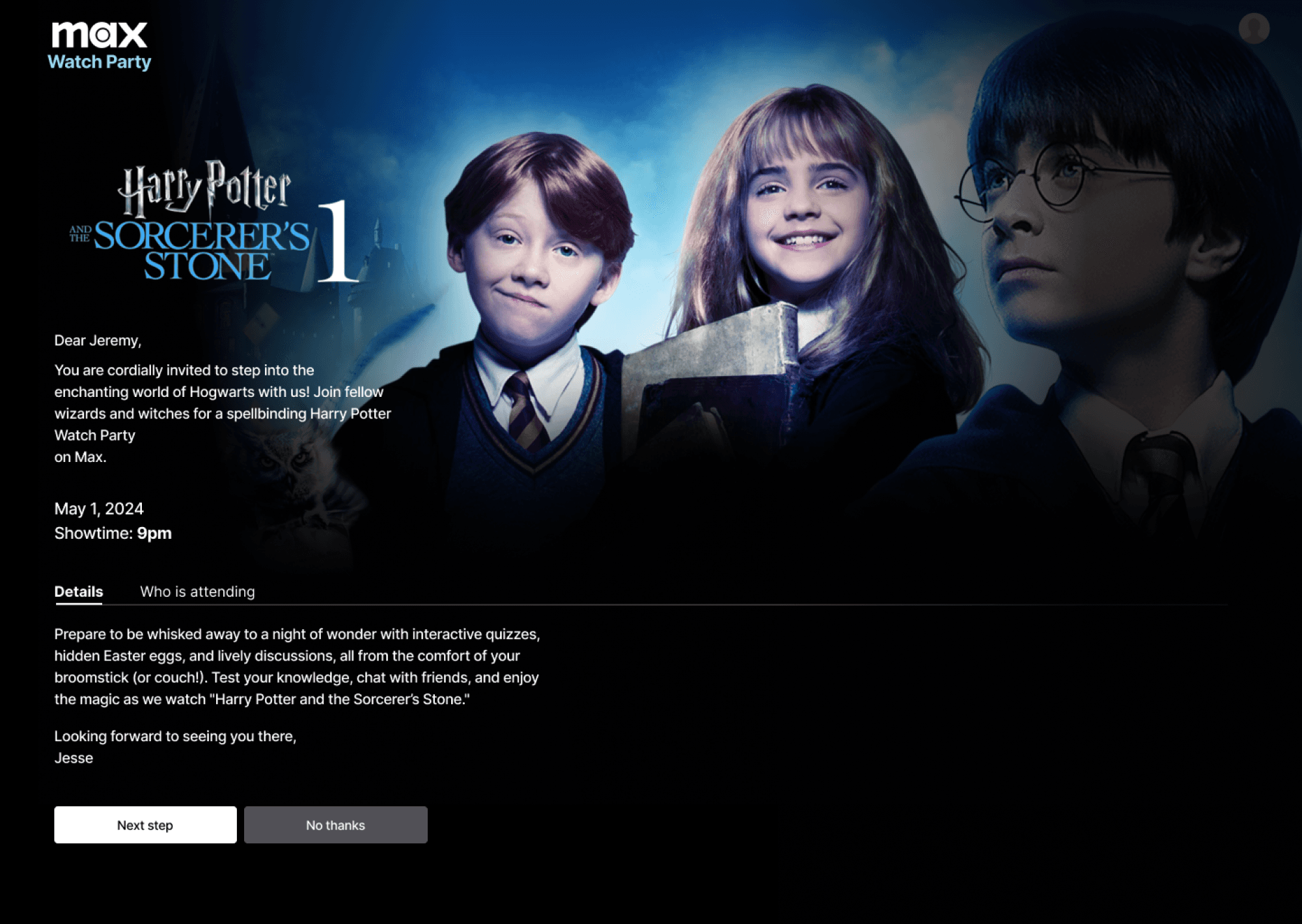
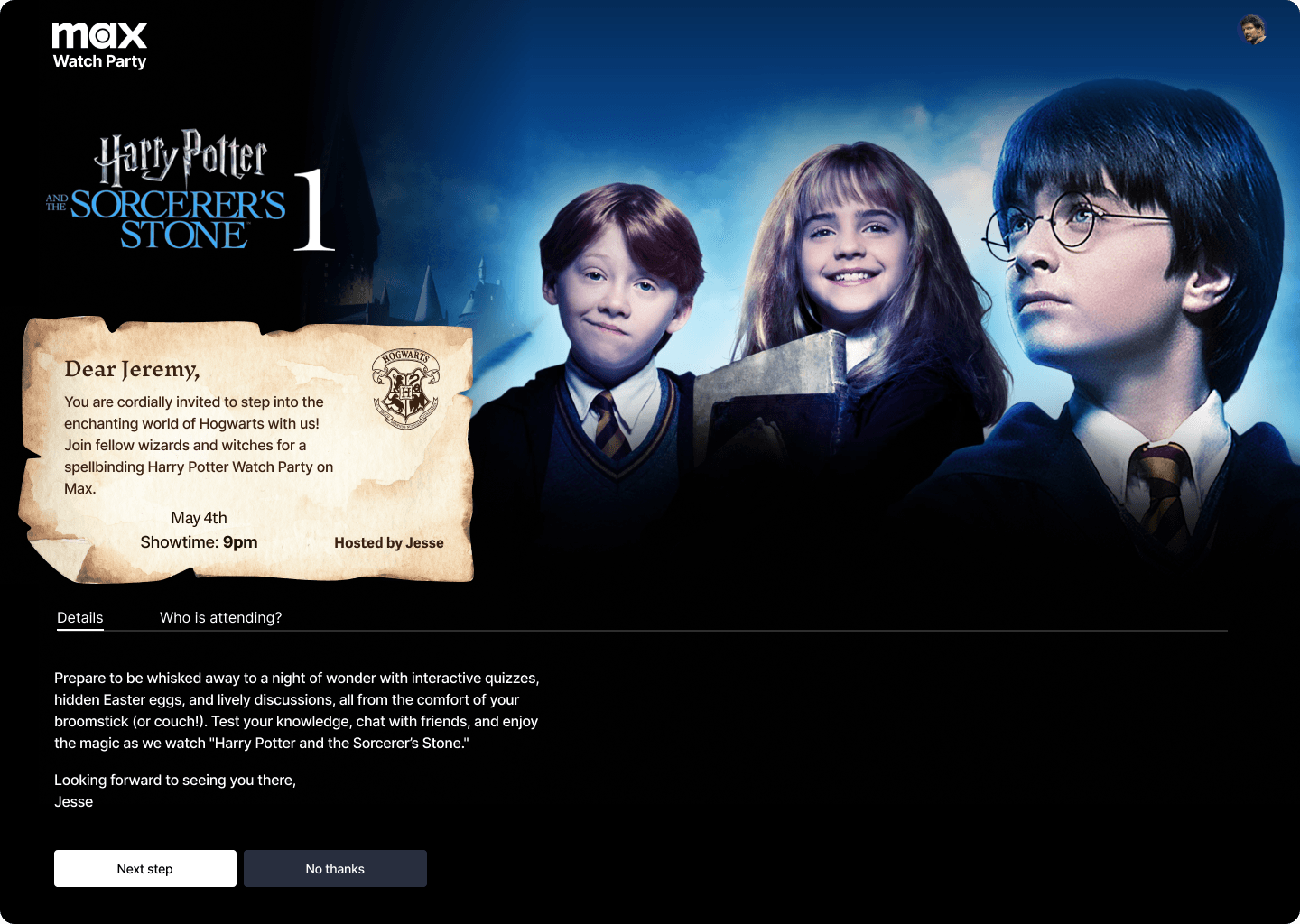
High-fidelity Wireframe Desktop
Mid-fidelity Wireframe Desktop
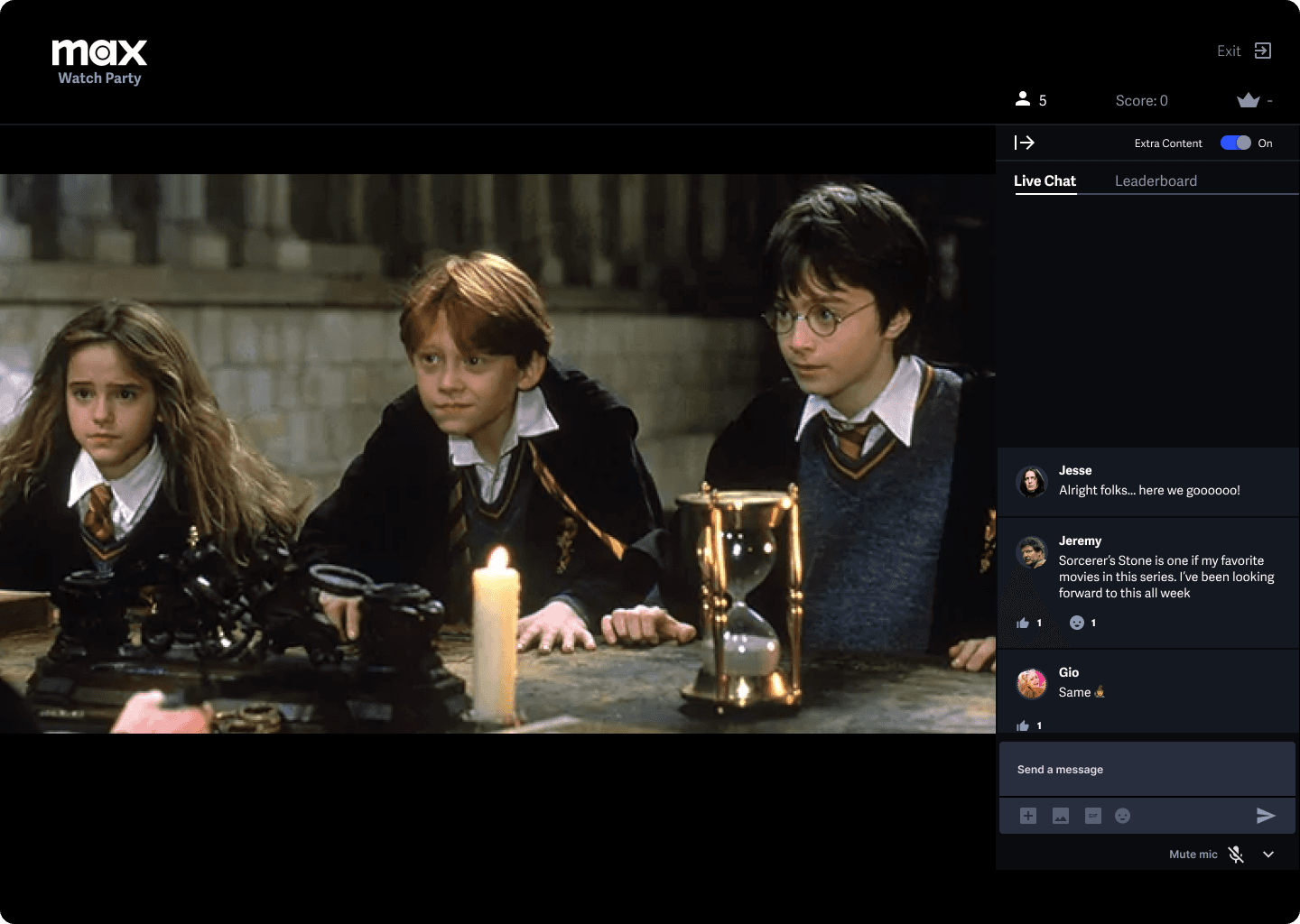
High-fidelity Wireframe Desktop
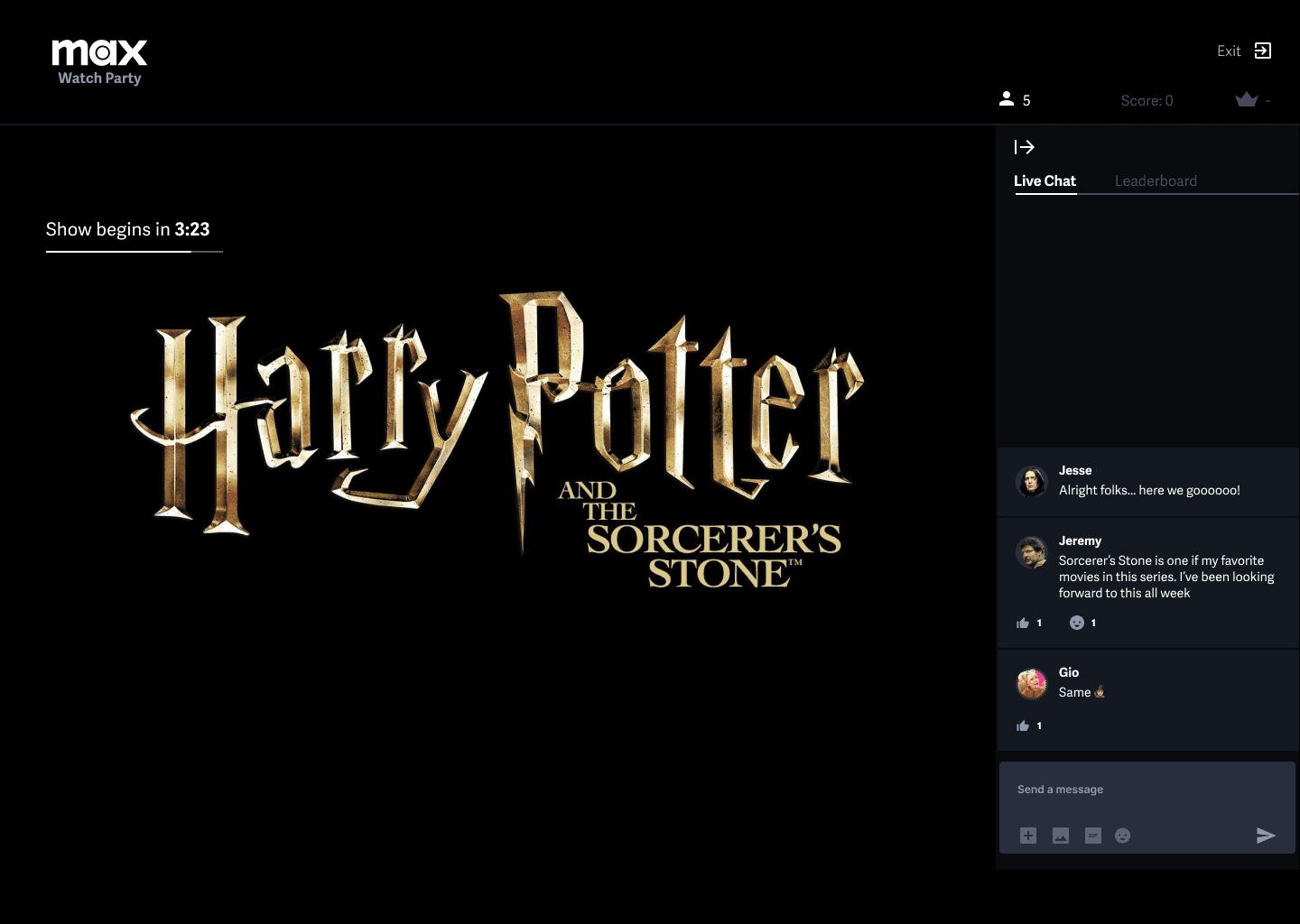
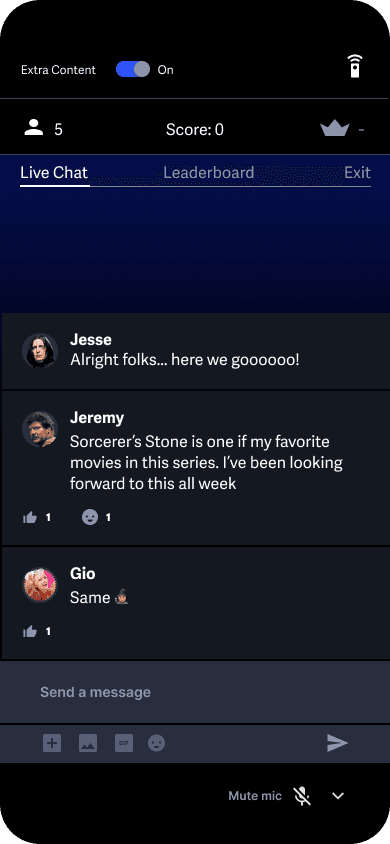
Mid-fidelity testing also revealed the users preference to have the chat window open upon entering the group watch lobby prior to starting the show. This gave the users context to the close chat panel icon and allowed the users to chat immediate after entering the group watch.

Google Meeting
Remote Usability test
5 usability testers
5 usability testers

Success Metrics
Completion rate of task
Satisfaction score (1-5)
Goals
Gather success metrics
Measure task efficiency
High Fidelity Prototype
After testing the mid-fidelity prototype I used the feedback to iterate and develop a high-fidelity prototype for additional testing. This test revealed additional changes as well as refinements to the trivia challenges.
Task: Closing Trivia
Challenge Panel
Solution
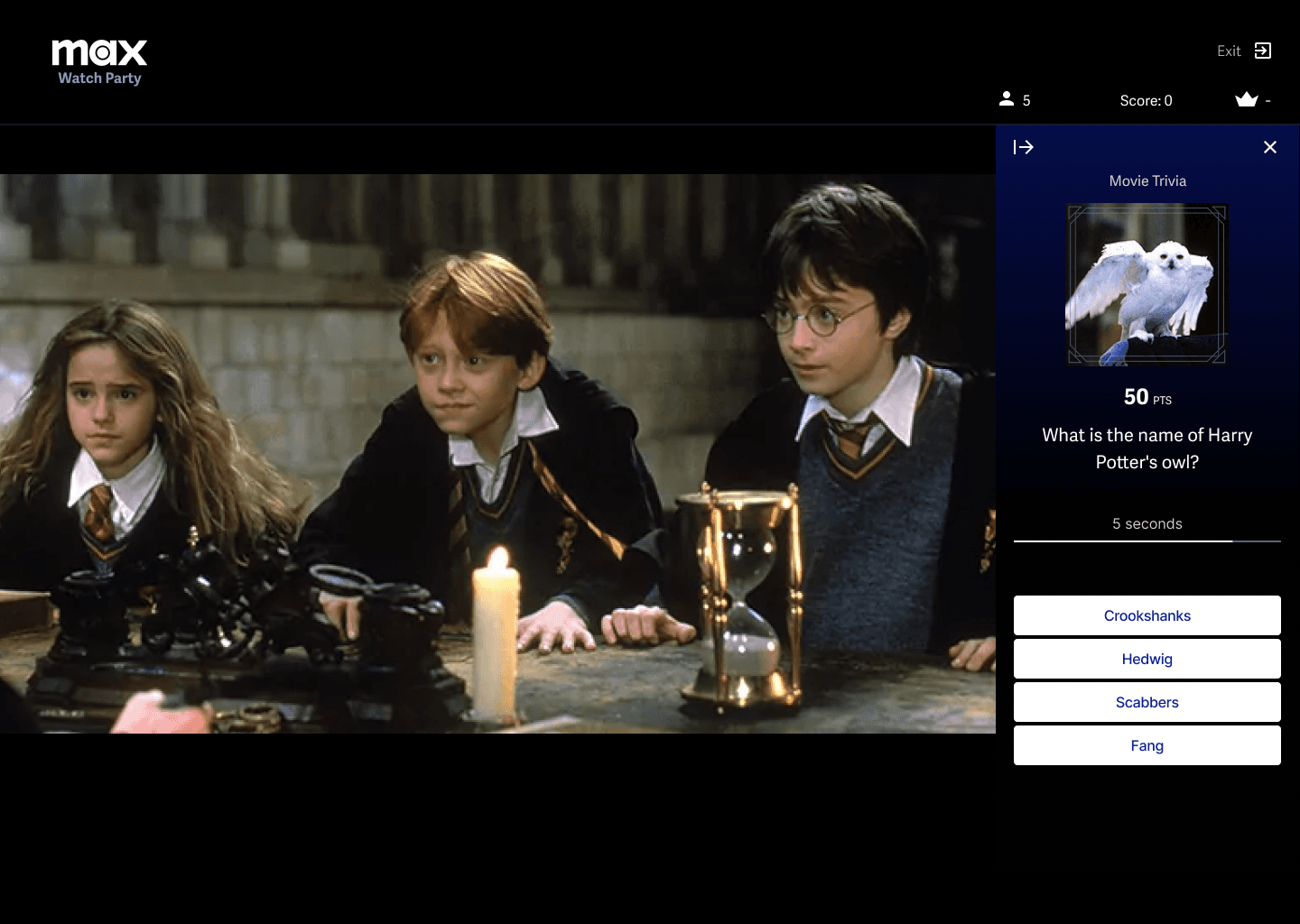
The previous iteration included 3 different exit options. This lead to a bit of cognitive overload. Decreasing the number of possible actions and emphasizing the most important action a user would use drastically improved the success rate of this task.
Problem
2/5 users found it difficult to close the quiz panel and return to the chat panel.
User insight: Difficulty levels for trivia challenges
Solution
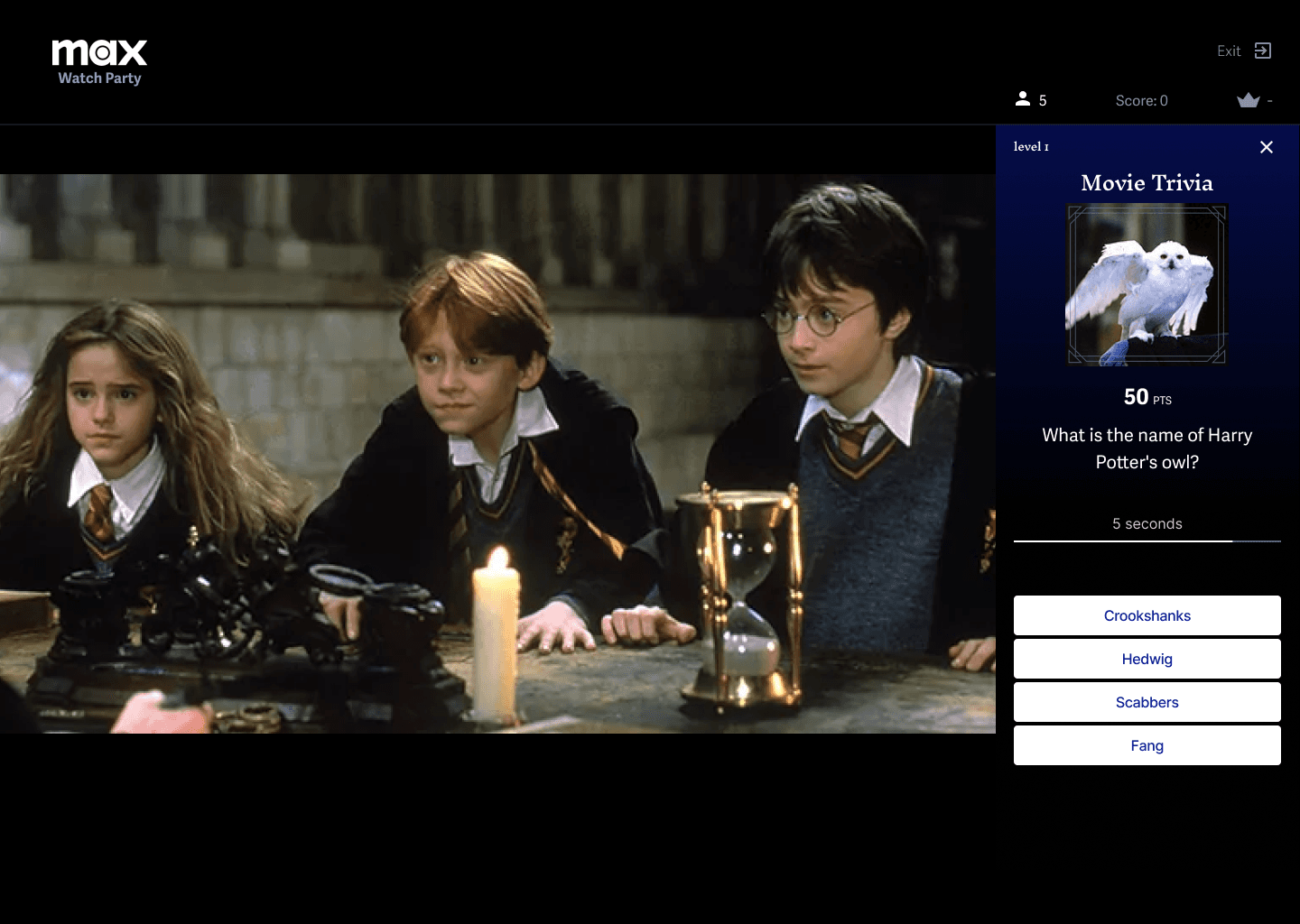
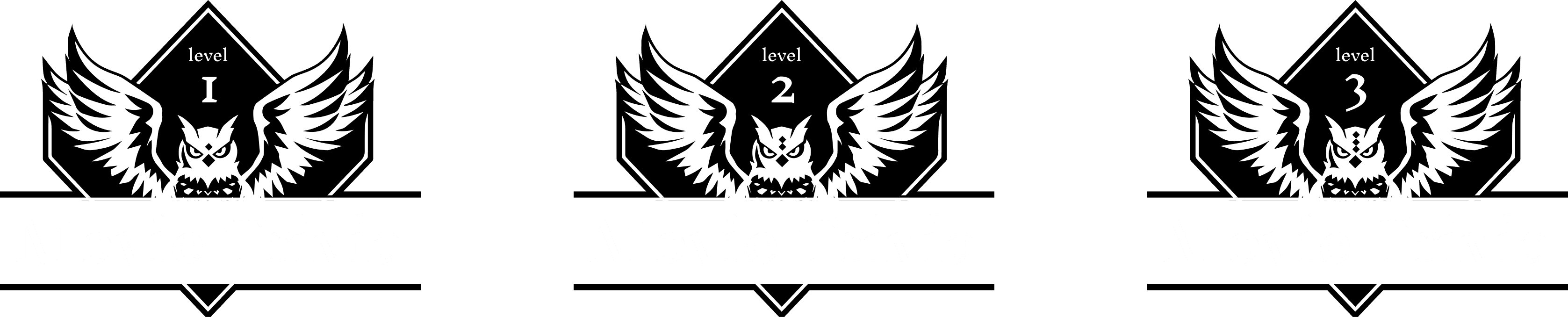
Adding difficulty levels to the questions would enhance the trivia experience by catering to users of various knowledge levels. This feature would increase engagement by providing a customizable challenge that keeps all participants entertained, regardless of their expertise.
Insight
3/5 users asked about adding different levels for the trivia challenges.
User insight: Opting out of Additional content
Solution
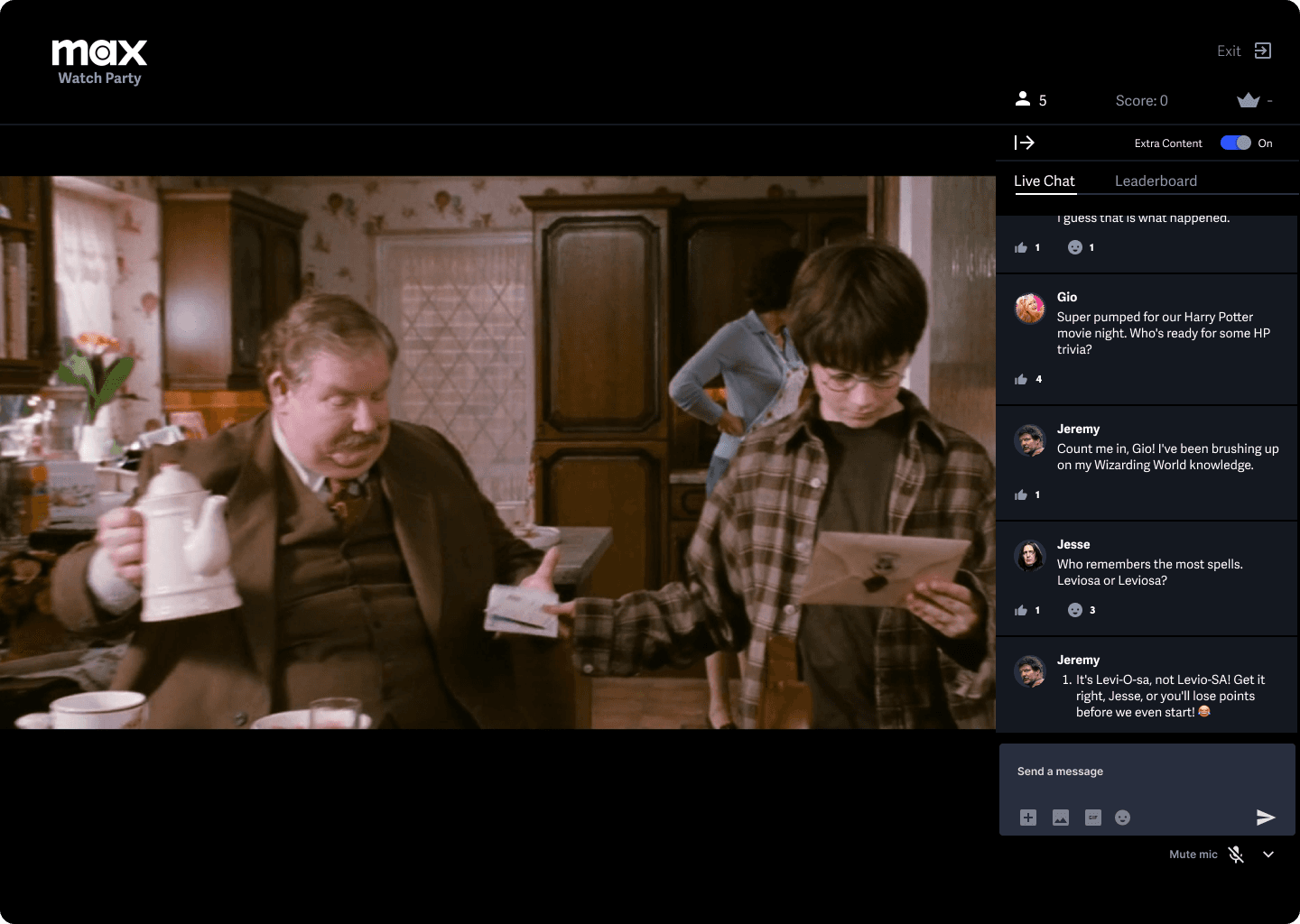
Fans of the Harry Potter movie loved the additional content. More casual fans gave feedback they wanted an option to opt out of the additional content.
Insight
2/5 users asked about opting out of the additional content during the watch party.
Simplify Processes
Streamlining complex tasks, such as the invitation system, can significantly enhance the user experience and increase the likelihood that it will be completed. This change addressed user frustrations with external coordination, leading to higher participation rates and a more streamlined user experience.
Clarity in Navigation
Incorporating interactive features can greatly improve user engagement and overall experience. These features provided a dynamic and entertaining viewing experience, catering to various user preferences and keeping participants more engaged throughout the watch party.
Prioritize Customization
Providing options for personalization ensures that the product meets diverse user needs and increases overall satisfaction. This flexibility not only improved overall satisfaction but also ensured that the feature catered to a diverse audience with different needs and preferences.
LEARNINGS & REFLECTIONS
ADDITIONAL ITERATIONS
Add challenge levels
Simplify UI for closing trivia challenge panel`
Add voice chat
Organizing attendee icons by who has accepted
Allow users to opt out of additional content
Update text hierarchy for trivia challenges
Add onboarding carousel
more work
Verifi
AI Misinformation Detector
Google Maps
Collaborative Planning Tools for Avid Travelers

UX Designer,
Animator,
& Illustrator.